
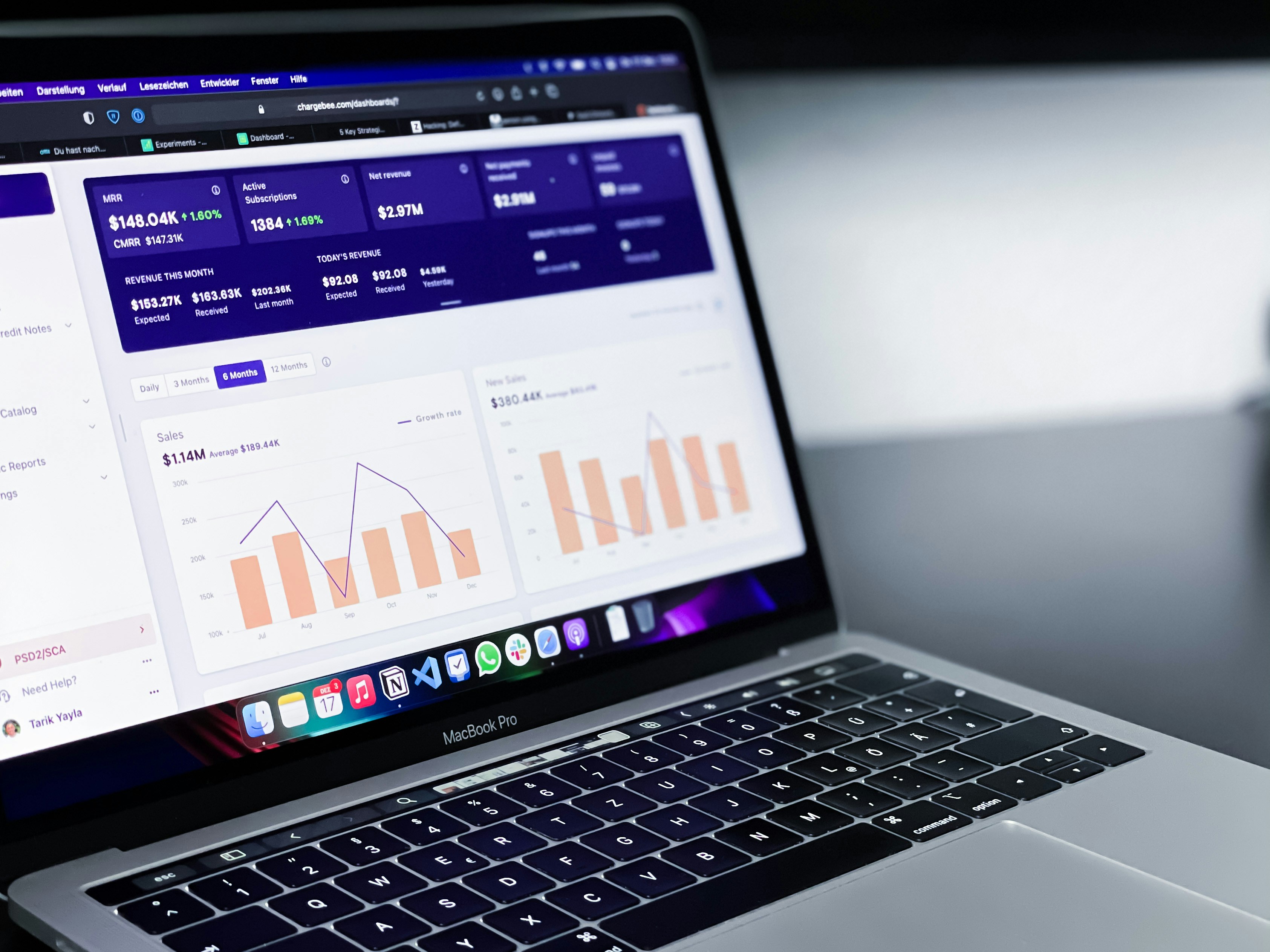
Introduction to Looker Studio and Its Importance
Looker Studio, formerly known as Google Data Studio, is a powerful data visualization and business intelligence tool designed to transform raw data into meaningful insights. It provides users with the ability to connect to various data sources, enabling organizations to create interactive dashboards that enhance their decision-making process. By facilitating data storytelling, Looker Studio empowers businesses to visualize trends, compare metrics, and ultimately, make data-driven decisions.
The importance of Looker Studio lies in its capacity to bridge the gap between data and actionable insights. In today’s data-centric environment, organizations need to adapt quickly to evolving market conditions and customer preferences. Looker Studio allows stakeholders at all levels, from executives to analysts, to access key performance indicators (KPIs) through easily interpretable visualizations, promoting an informed decision-making culture across the organization.
One of the defining features of Looker Studio is its user-friendly interface. Users can effortlessly create engaging visual reports, embedding Looker Studio dashboards into websites or applications, thereby increasing accessibility to vital data for all stakeholders. This ability to embed dashboards not only enhances collaboration but also ensures that insights are readily available whenever needed, reducing the time it takes to convert data into strategies.
Additionally, Looker Studio provides real-time data updates, ensuring that the visualizations reflect the most recent data without the need for manual intervention. This immediacy is crucial for organizations that operate in fast-paced environments, allowing them to respond swiftly to changes. As businesses continue to harness the power of data analytics, leveraging tools like Looker Studio becomes increasingly essential for staying competitive in their respective markets.
Understanding the Benefits of Embedding Looker Studio Dashboards
Embedding Looker Studio dashboards into various platforms offers a multitude of advantages that can significantly enhance data management and decision-making processes. One of the primary benefits is the improvement of user experience. By integrating these dashboards directly into existing applications or websites, users can access critical information without needing to navigate away from their current workflow. This seamless transition not only saves time but also boosts productivity by minimizing disruptions.
Moreover, embedding Looker Studio dashboards fosters better data accessibility. Users can interact with complex datasets in real time, allowing them to extract actionable insights promptly. The ability to manipulate and explore data within a familiar environment enhances understanding, enabling stakeholders to make informed decisions based on comprehensive visual analytics. This accessibility ensures that users at all levels can derive value from the data, regardless of their technical expertise.
Another significant advantage is the collaborative potential that embedded dashboards provide. When teams have access to shared Looker Studio dashboards, they can work together more effectively by viewing up-to-date information simultaneously. This real-time collaboration fosters discussion, promotes alignment, and accelerates the decision-making process. Furthermore, fostering a culture of data transparency within an organization can boost engagement and accountability among team members.
Lastly, embedding Looker Studio dashboards can also streamline reporting processes. By integrating these dashboards into business platforms, organizations can automate the distribution of insights, ensuring teams are consistently informed about key performance indicators and relevant metrics. This automation reduces the likelihood of human error, enhances data integrity, and allows teams to focus on strategic initiatives rather than manual reporting tasks.
Prerequisites for Embedding Looker Studio Dashboards
Before delving into the process of embedding Looker Studio dashboards, it is crucial to establish an understanding of the necessary prerequisites. These requirements ensure a seamless experience and adequate access to the relevant data for effective dashboard embedding.
Firstly, user permissions are vital. Individuals attempting to embed dashboards must hold appropriate access rights within Looker Studio. This typically involves having at least view permissions for the specific dashboard intended for embedding. Without these permissions, users will encounter access issues and be unable to display the desired dashboards. It is advisable to review your user role within the platform to confirm that you possess the necessary rights to share dashboards externally.
In addition to permissions, having the correct account configuration is imperative. Users must be signed into a compatible Google account linked with Looker Studio, as embedding features often require connection to Google services. Furthermore, the dashboard must be published and publicly accessible, meaning the visibility settings should be adjusted accordingly in the dashboard settings menu to allow broader access.
From a technical standpoint, familiarity with HTML or web development basics is beneficial when integrating Looker Studio dashboards into external platforms or websites. Users will need to generate an embed link from Looker Studio, typically found in the sharing options, which will provide the necessary HTML code. This code must be inserted appropriately into the target web environment to facilitate the display of the embedded dashboard.
Finally, ensure you have considered mobile responsiveness and scaling for the dashboard embed. Assess how the dashboard will render across different devices and screen dimensions to maintain usability and accessibility standards.
Step-by-Step Guide to Embedding Looker Studio Dashboards
Embedding Looker Studio dashboards into your website or application can significantly enhance data accessibility and visualization. To successfully complete this task, follow the outlined steps to ensure a seamless integration of your dashboards.
First, access your Looker Studio account and select the dashboard you wish to embed. Once you are viewing the desired dashboard, locate the ‘Share’ option typically found in the top-right corner of the interface. Clicking this will open a dropdown menu where you must select ‘Embed report.’ This action will generate an embed code specifically tailored for your dashboard.
Once the embed code is generated, you will notice two key options. The first allows you to set the dimensions of the embedded dashboard, including height and width, which can be adjusted to fit your website or application layout. The second option pertains to user accessibility; you can determine whether users require permission to view the report or if it should be publicly accessible. Make sure to select the appropriate settings based on your audience and privacy needs.
After customizing the embed code, copy this code to your clipboard. Navigate to the HTML editor of your website or application where you want the dashboard to appear. Paste the embed code into the appropriate section of your HTML. It’s important to test the integration on different devices and browsers to ensure its functionality remains intact across various platforms.
Lastly, review the embedded Looker Studio dashboard on your site to verify that all features operate correctly. This includes checking interactive elements, filters, and visuals. By following these steps closely, you can effectively embed Looker Studio dashboards, allowing your users to access real-time data insights directly from your website or application.
Customizing Embedded Looker Studio Dashboards
Embedding Looker Studio dashboards offers a multitude of customization options that can significantly enhance user experience. Tailoring the appearance of an embedded dashboard is essential for maintaining brand consistency and ensuring that the data presented aligns with the specific needs of the audience. Users can modify colors, fonts, and layout to create an aesthetically pleasing interface that resonates with their brand identity.
Furthermore, adjusting filters is a crucial aspect of customization. Looker Studio allows for the implementation of interactive filters that enable users to manipulate the data displayed based on their specific interests. By allowing audience members to view data that is relevant to them, you enhance their engagement and the overall utility of the dashboard. This interactivity promotes a deeper understanding of the data and allows users to derive insights that are tailored to their unique requirements.
Another essential customization option is the setting of parameters within the embedded dashboard. Parameters can be employed to allow users to dynamically alter data queries, making the information they seek more accessible. For instance, if an organization wants to focus on specific time frames or geographical locations, they can set parameters that facilitate these adjustments. This feature not only improves the user experience but also provides more meaningful insights by enabling personalized views of the data.
Ultimately, the customization of embedded Looker Studio dashboards plays a pivotal role in enhancing user interaction and satisfaction. By modifying appearance, adjusting filters, and setting parameters, you ensure that your dashboard caters to a diverse audience, thus unlocking the potential for deeper insights. Tailoring the experience to meet the needs of various users is fundamental to maximizing the value derived from these powerful analytics tools.
Testing and Troubleshooting Embedded Dashboards
When embedding Looker Studio dashboards, it is essential to ensure that they function seamlessly and provide a satisfactory user experience. Regular testing methods are vital to identify and mitigate potential issues that may affect data display, responsiveness, and interactivity. The first step in this process involves performing thorough compatibility checks with various web browsers and devices. Since an embedded Looker Studio dashboard can be viewed on numerous platforms, ensuring that it displays correctly across all of them is crucial.
Once compatibility checks are complete, the next step is to conduct functionality tests. This entails interacting with the embedded dashboard, verifying that all elements respond correctly to user inputs, such as filters, drill-downs, and tooltips. Pay close attention to how the dashboard renders data as these interactions occur. Any discrepancies in data representation due to user actions should be documented and analyzed to determine the cause.
An often-overlooked aspect of embedded dashboards is responsiveness. With the increasing use of mobile devices, it is imperative to assess how the Looker Studio embed adapts to different screen sizes. Utilize tools such as Chrome DevTools, which allow you to simulate various devices and screen resolutions. Note whether the layout adjusts properly and whether interactive features remain accessible.
In the event of encountering issues, troubleshooting techniques can be employed to diagnose and rectify the problems effectively. Reviewing the code used for embedding is a prudent first step, as errors in syntax or parameters can lead to malfunctioning dashboards. Additionally, examining network activity can reveal hidden errors, such as timeouts or loading failures. Common issues can often be resolved by clearing the cache or refreshing the browser session. Implementing these testing and troubleshooting practices will ensure that your embedded Looker Studio dashboards operate smoothly, enhancing user experience and facilitating valuable insights.
Best Practices for Using Embedded Looker Studio Dashboards
When utilizing embedded Looker Studio dashboards, adhering to best practices can significantly enhance performance and user experience. One of the paramount considerations is optimizing performance. Users should ensure that the dashboards are designed efficiently to minimize loading times by limiting complex queries and utilizing efficient data extraction methods. This not only improves the user experience but also reduces server load, allowing for smoother navigation within the embedded environment.
Data security is another critical aspect to address. It is essential to implement robust security measures to protect sensitive information. Users should embrace role-based access controls and integrate authentication protocols that align with organizational policies. This ensures that unauthorized users do not have access to confidential data displayed on the dashboards, thereby maintaining the integrity and security of the embedded Looker Studio setup.
Moreover, ensuring consistency in visualization is vital for coherent data interpretation. By standardizing visual types, colors, and layouts across different dashboards, organizations can promote a unified understanding among users. This consistency not only enhances user engagement but also makes it easier for users to draw insights from various embedded Looker Studio dashboards.
Additionally, keeping content updated is crucial to delivering accurate and relevant information. Users should regularly review and refresh the data sources that feed into their embedded dashboards. By automating this process whenever possible, organizations can ensure that users always have access to the latest insights, thereby enhancing the overall utility of the embedded setup.
By implementing these best practices—optimizing performance, maintaining data security, ensuring visualization consistency, and updating content—users can create an effective embedded Looker Studio dashboard environment that provides valuable insights while safeguarding data integrity.
Case Studies: Successful Implementations of Embedded Looker Studio Dashboards
Numerous organizations across various sectors have successfully implemented embedded Looker Studio dashboards, leveraging data visualization and analytics to enhance their decision-making processes. One prominent case study involves a leading e-commerce platform that faced difficulties in monitoring real-time sales performance across multiple product categories. By embedding Looker Studio dashboards into their operational workflow, they provided their teams with immediate access to vital metrics, facilitating timely adjustments to marketing strategies and inventory management. The seamless integration allowed for data-driven decisions, culminating in a significant boost in sales and customer satisfaction.
Another compelling example is a healthcare organization that struggled with tracking patient care quality metrics. They decided to embed Looker Studio dashboards into their management systems to visualize patient data comprehensively. The tailored dashboards enabled healthcare professionals to quickly identify trends and areas that required improvement. This shift not only enhanced patient outcomes but also improved operational efficiency by streamlining reporting processes. The embedded solution was easy to access and understand, aligning with their goal of fostering a data-driven culture within the organization.
In the finance sector, a regional bank sought to enhance its client reporting capabilities. By embedding Looker Studio dashboards, the bank was able to offer clients personalized performance insights regarding their investments and savings. This move resulted in improved client engagement and satisfaction. The bank reported a 30% increase in client inquiries related to financial services, demonstrating the effectiveness of utilizing embedded dashboards to meet customer needs. Through these implementations, it is evident that the integration of Looker Studio dashboards has not only addressed specific organizational challenges but also empowered teams to make informed decisions faster and with greater accuracy.
Conclusion: Embracing Embedded Analytics for Data-Driven Decisions
In today’s fast-paced business environment, leveraging data effectively is paramount for organizations aiming to maintain a competitive edge. The ability to integrate insights directly into workflows through Looker Studio embed is transforming how teams access and interpret analytics. By embedding dashboards, organizations can eliminate the complexity often associated with navigating separate reporting interfaces, thereby fostering a more analytical culture.
The process of embedding Looker Studio dashboards not only enhances accessibility but also empowers teams to make informed decisions based on real-time data. This is particularly beneficial in facilitating collaboration across departments, as individuals can easily share insights and findings without the need to maneuver through cumbersome documentation. Moreover, the streamlined experience provided by embedded analytics allows for quicker reaction times to emerging trends or issues, enabling businesses to pivot strategies and optimize operations more effectively.
As organizations weigh the benefits of integrating Looker Studio embed within their systems, it is essential to focus on the long-term implications of data-driven decision-making. By prioritizing access to relevant analytics, teams are better equipped to engage in analytical conversations, fostering a culture where data influences all levels of decision-making. The transition to embedded analytics represents not merely a technical upgrade, but a strategic shift toward a more informed and agile business model.
In conclusion, the adoption of embedded analytics through solutions like Looker Studio empowers teams to harness the full potential of their data. By embracing these capabilities, organizations can enhance not just data accessibility but also the intelligence gleaned from it, laying the groundwork for sustained growth and innovation. As the landscape of business continues to evolve, leveraging these technologies will be crucial for navigating the complexities of data in decision-making processes.