
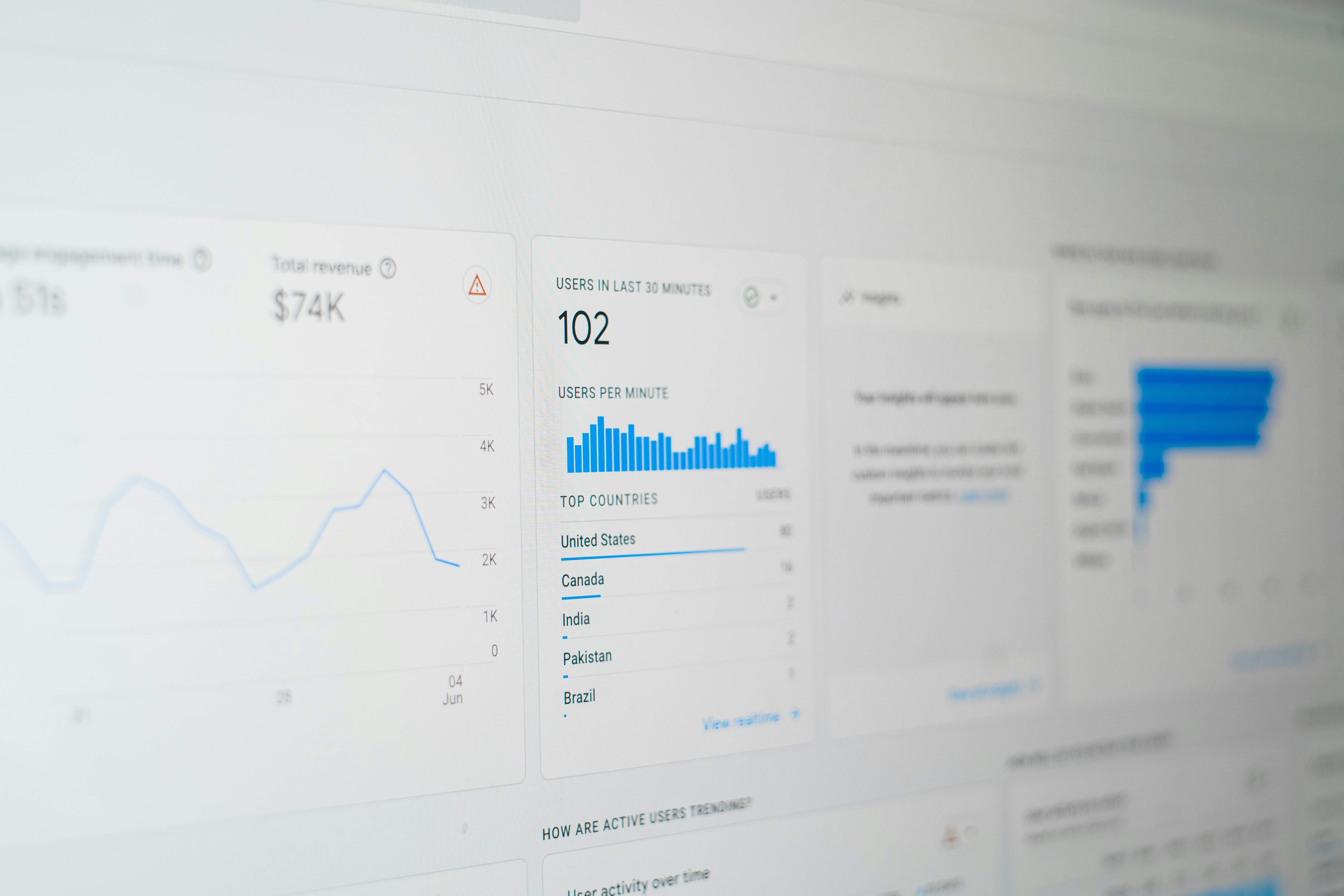
Introduction to Looker Studio
Looker Studio is an advanced data analytics and reporting platform that plays a critical role in the landscape of modern business intelligence. Designed to handle various data types and sources, Looker Studio empowers users to visualize and interact with their data effortlessly. By providing sophisticated data modeling capabilities along with user-friendly interfaces, this tool enables marketers and organizations to transform raw data into actionable insights that can drive strategic decision-making.
The versatility of Looker Studio makes it suitable for a wide array of applications, from marketing performance analysis to operational reporting. Its integration with various Google platforms, including Google Display and Video 360, enhances its functionality, allowing businesses to optimize their advertising strategies effectively. Users can leverage Looker Studio’s features to create interactive dashboards and detailed reports that shed light on crucial metrics such as campaign performance, customer engagement, and audience insights.
One of the standout features of Looker Studio is its ability to streamline reporting processes. Traditional reporting methods can often be time-consuming and cumbersome, involving manual data extraction and formatting. Looker Studio addresses these challenges through automated data integration and real-time reporting capabilities. As a result, marketers can focus more on analytical tasks rather than repetitive data handling chores, allowing for faster response to market changes and more agile decision-making. The platform’s collaboration features further enhance its utility by enabling teams to share insights and reports seamlessly, culminating in an integrated approach to data analysis across departments.
Overall, Looker Studio represents a powerful tool for businesses aiming to harness the full potential of their data. By simplifying the process of data analysis and reporting, it allows organizations to maintain a competitive edge in today’s data-driven landscape.
Understanding Google Display and Video 360
Google Display and Video 360 (DV360) is an integral component of the Google Marketing Platform, serving as a comprehensive tool for advertisers seeking enhanced campaign management capabilities. DV360 facilitates the creation, management, and optimization of digital advertising campaigns across multiple channels, including display, video, and mobile platforms. By providing a centralized environment, this platform fosters seamless collaboration among various marketing teams and enhances overall efficiency in executing advertising strategies.
One of the standout features of DV360 is its robust ad creation tools. Advertisers can craft visually compelling ads using a variety of formats, ensuring aligned messaging that resonates with targeted audiences. This creative flexibility helps brands deliver tailored content that suits different formats while adhering to their overarching marketing strategies. Furthermore, the platform supports dynamic creative optimization, enabling real-time adjustments to improve ad performance based on user engagement metrics.
Targeting is another crucial feature of DV360, allowing marketers to reach precise demographics based on various criteria, such as interests, location, and browsing behavior. Utilizing advanced audience segmentation capabilities ensures that advertisements are delivered to the most relevant consumers, driving higher engagement rates. Additionally, DV360 integrates seamlessly with Google’s suite of tools, helping marketers leverage data from Google Ads and Google Analytics to enhance their targeting strategies further.
Performance measurement capabilities within DV360 are also noteworthy. Advertisers can track campaign metrics, analyze performance data, and conduct A/B testing to optimize their advertising efforts continuously. By providing insights into key performance indicators (KPIs), DV360 empowers marketers to make data-driven decisions, ultimately maximizing return on investment (ROI) for digital campaigns.
The Integration of Looker Studio with DV360
The integration of Looker Studio with Google Display and Video 360 (DV360) presents a pivotal advancement in the utilization of marketing data. By combining the powerful data visualization capabilities of Looker Studio with the comprehensive advertising management functionalities of DV360, users can achieve remarkable insights into their marketing campaigns. This seamless integration facilitates an efficient flow of data, enabling marketers to visualize performance metrics, audience engagement, and ad spend more effectively.
One of the key components of this integration is the ability to automate data extraction through API connections. DV360 provides a robust API that allows Looker Studio to access real-time data, which can then be transformed into insightful visual reports. For instance, users can create dashboards that showcase impressions, clicks, and conversions directly from their DV360 campaigns. As a result, marketers can perform comparative analyses across multiple campaigns or visualize trends over time, leading to data-driven decisions that enhance marketing strategies.
Additionally, this integration allows for customized reporting tailored to specific business needs. Users can filter metrics by various dimensions such as geography, device type, or audience segments, enabling marketers to uncover nuanced insights that inform future advertising decisions. Furthermore, Looker Studio’s ability to share reports and dashboards among team members or stakeholders promotes transparency and collaborative decision-making in marketing efforts.
Overall, the integration between Looker Studio and DV360 cultivates a synergistic relationship that empowers marketers to harness their data effectively. The continuous data interaction provided by these platforms not only enriches the analytical experience but also drives strategic improvements in marketing performance. As marketers continue to navigate the complexities of digital advertising, the combination of Looker Studio and DV360 stands out as a valuable resource for enhancing data visualization and analysis.
Key Benefits of Using Looker Studio with DV360
The integration of Looker Studio with Google Display and Video 360 (DV360) provides numerous advantages that can significantly enhance digital marketing strategies. One of the primary benefits is the enhanced data visualization capabilities that Looker Studio offers. By utilizing customized dashboards, marketers can represent complex data sets in easily digestible formats, making it simpler to analyze campaign performance and track key metrics in real time. This visual representation aids not only in understanding the data but also in communicating insights with stakeholders.
Another key benefit lies in improved reporting capabilities. Looker Studio allows users to automate reports and create scheduled views which can save time and reduce errors inherent in manual reporting processes. This increased efficiency helps teams focus on strategic initiatives rather than spending excessive time on data wrangling. It also ensures that the reports are consistently updated, providing accurate and up-to-date insights into advertising performance.
The integration facilitates streamlined workflows, allowing marketers to seamlessly transition between data analysis and actionable task execution. This capability is crucial for timely decision-making. With access to centralized data sources and a user-friendly interface, teams can collaborate more effectively, share insights, and implement data-driven changes swiftly, ensuring that they remain agile in a rapidly changing digital landscape.
Furthermore, the partnership between Looker Studio and DV360 empowers marketers with more informed decision-making capabilities. By leveraging comprehensive insights derived from the unified data environments, organizations can identify trends, allocate budgets more effectively, and enhance targeting strategies. This ensures that every marketing dollar is well spent, maximizing return on investment while facilitating growth. As a result, the synergy between Looker Studio and DV360 represents a powerful toolset for modern marketers seeking to optimize their digital advertising initiatives.
Setting Up Looker Studio for DV360 Reporting
Setting up Looker Studio for effective reporting on campaigns executed through Google Display and Video 360 (DV360) is an essential process that can significantly enhance your data analysis capabilities. The first step involves connecting Looker Studio to your DV360 data sources. To do this, navigate to the ‘Data Sources’ tab within Looker Studio. Here, you will need to click on ‘Add Data Source’ and select the option for Google Display and Video 360. Follow the authorization prompts to enable Looker Studio to access your DV360 account, ensuring you have the necessary permissions.
Once connected, the next stage is to configure the dashboard. Looker Studio offers a variety of customizable templates; select a template that aligns with your reporting needs or build a new dashboard from scratch. In this phase, you can add various chart types such as bar graphs, tables, and heat maps to visualize the data effectively. It is crucial to organize the layout so that important information is readily accessible, which promotes a better understanding of campaign performance.
Selecting the right metrics is equally important for comprehensive analysis. Common metrics include impressions, clicks, conversions, and cost per acquisition (CPA). Incorporate these metrics into your dashboard by using the ‘Add Metric’ feature. Keep in mind that choosing the right KPIs will depend on the specific goals of your campaign. Moreover, consider utilizing filters to segment your data by various dimensions such as geographic location, device type, or target demographics. This approach will provide deeper insights into your DV360 campaigns, allowing for informed decision-making and strategy adjustments.
Creating Effective Dashboards in Looker Studio
Designing dashboards in Looker Studio, especially for Google Display and Video 360 (DV360) data, involves several best practices that ensure clarity and engagement. Firstly, selecting impactful metrics is vital. Organizations should focus on metrics that are relevant to their specific goals, such as conversion rates, impressions, clicks, and engagement levels. Each of these metrics plays a crucial role in analyzing campaign performance and making informed decisions based on the data presented.
A clear data presentation is paramount in any dashboard. This includes utilizing clear labels, concise titles, and intuitive layouts that guide users through the visual narrative. Color coding can also enhance comprehension, allowing stakeholders to quickly differentiate between performance levels and identify critical insights. When designing visuals, it is important to strike a balance between aesthetics and functionality, ensuring that the dashboard is not only visually appealing but also informative.
Furthermore, incorporating interactive elements can significantly enhance user experience. Features like filters, date range selectors, and drill-down capabilities allow stakeholders to manipulate the data according to their needs. Such interactivity grants users the ability to explore the data in a more personalized manner, thus fostering deeper insights and engagement with the dashboard. It is equally important to consider the audience and their specific needs, which can guide the selection of visualizations; bar charts, line graphs, and pie charts all serve different purposes depending on the data context.
Lastly, regular updates and revisions are essential for maintaining the relevance of the dashboard. As objectives change or new data becomes available, dashboards should reflect these adjustments to ensure that they remain effective tools for analysis. By adhering to these best practices, organizations can create impactful dashboards in Looker Studio that effectively leverage DV360 data, ultimately facilitating a data-driven decision-making process.
Real-time Data Analysis and Custom Reporting
Looker Studio provides a robust platform for real-time data analysis, particularly for campaigns run through Google Display and Video 360 (DV360). With its ability to process vast amounts of data, Looker Studio enables users to make informed decisions based on live insights. The integration of Looker Studio with DV360 allows users to monitor various campaign metrics in real time. This means that advertising professionals can gauge the effectiveness of their campaigns as they unfold, providing critical information that can guide immediate strategic adjustments.
One of the standout features of Looker Studio is its customizable reporting capabilities. Users can design reports tailored to their specific business needs by selecting relevant metrics and visualizations. This flexibility allows advertisers to focus on data that matters most to their objectives, whether it’s impressions, clicks, conversions, or customer engagement rates. Custom reports can be generated on-the-fly, allowing businesses to quickly analyze campaign performance across multiple dimensions.
Furthermore, with the utilization of live data, businesses can capitalize on current trends and patterns. Looker Studio provides data visualization tools that make it easier to interpret complex information. Users can create dashboards that visually represent their data, making it accessible and understandable for team members and stakeholders who may not have advanced analytical expertise. This enhances collaborative efforts within organizations as team members can engage with the same real-time data and insights.
Ultimately, Looker Studio empowers users to harness the power of real-time data analysis and custom reporting within the DV360 environment. By leveraging these tools, businesses can not only enhance their approach to digital advertising but also ensure that they are agile and responsive to market demands.
Case Studies: Success Stories Using Looker Studio and DV360
Numerous businesses have harnessed the capabilities of Looker Studio alongside Google Display and Video 360 (DV360) to achieve remarkable marketing outcomes. One noteworthy example includes a major retail company that sought to enhance customer engagement through targeted digital advertising. By integrating Looker Studio, the company was able to analyze vast amounts of data sourced from various channels. The insights derived from this analysis facilitated the optimization of their DV360 campaigns. As a result, they identified key customer segments, allowing them to tailor their messaging for improved resonance. The outcome was a 25% increase in click-through rates, showcasing the potency of combining these powerful platforms.
Another significant case involves a global travel agency that aimed to boost its online bookings. The agency utilized Looker Studio to gain a deeper understanding of customer behavior patterns across multiple touchpoints. This analysis informed their DV360 strategy, enabling them to deliver personalized ads that aligned with customer preferences. Following the implementation of their revised campaign, the agency reported a remarkable 30% increase in conversions. This case affirms that data-driven marketing strategies, powered by Looker Studio and DV360, can lead to substantial improvements in business performance.
A third notable example comes from a leading technology firm that employed Looker Studio to assess the effectiveness of their promotional campaigns. With access to comprehensive analytics, they were able to identify underperforming segments within their DV360 ad strategy. By reallocating budget and resources to high-performing areas based on the insights gathered, they achieved a 40% improvement in return on ad spend. These case studies collectively underline the significant advantages that enterprises can attain through the strategic utilization of Looker Studio in combination with Google Display and Video 360.
Conclusion and Future Trends
In today’s digital marketing landscape, the integration of Looker Studio and Google Display and Video 360 (DV360) emerges as a formidable tool for enhancing marketing analytics. This powerful combination enables marketers to visualize their data effectively, make informed decisions, and optimize their advertising strategies in real-time. By leveraging Looker Studio’s robust data analysis capabilities alongside DV360’s comprehensive advertising insights, brands can not only track their performance but also gain deeper insights into consumer behavior. This data-driven approach facilitates targeted campaigns, ultimately leading to improved ROI and customer engagement.
As the digital marketing realm continues to evolve, several future trends can be anticipated in the area of data reporting and analytics. One prominent trend is the increasing emphasis on automation and machine learning. Tools that automate the analysis of vast datasets will become more prevalent, enabling marketers to shift their focus from manual reporting to strategic decision-making based on actionable insights. Furthermore, the advancement of artificial intelligence can assist in predictive analytics, allowing businesses to anticipate market trends and consumer needs more accurately.
Another future trend involves the integration of cross-channel data analytics. As marketing efforts span various platforms, the ability to consolidate and analyze data from multiple sources will be essential. This holistic view will empower marketers to understand the complete customer journey, resulting in more cohesive and effective marketing strategies. Additionally, the growing importance of real-time data access will encourage platforms like Looker Studio to enhance their capabilities, ensuring that marketers are equipped with the most up-to-date information available.
Ultimately, the confluence of Looker Studio with DV360 signifies a significant advancement in marketing analytics, paving the way for a future where data not only drives decisions but also shapes the very landscape of digital marketing practices.


