
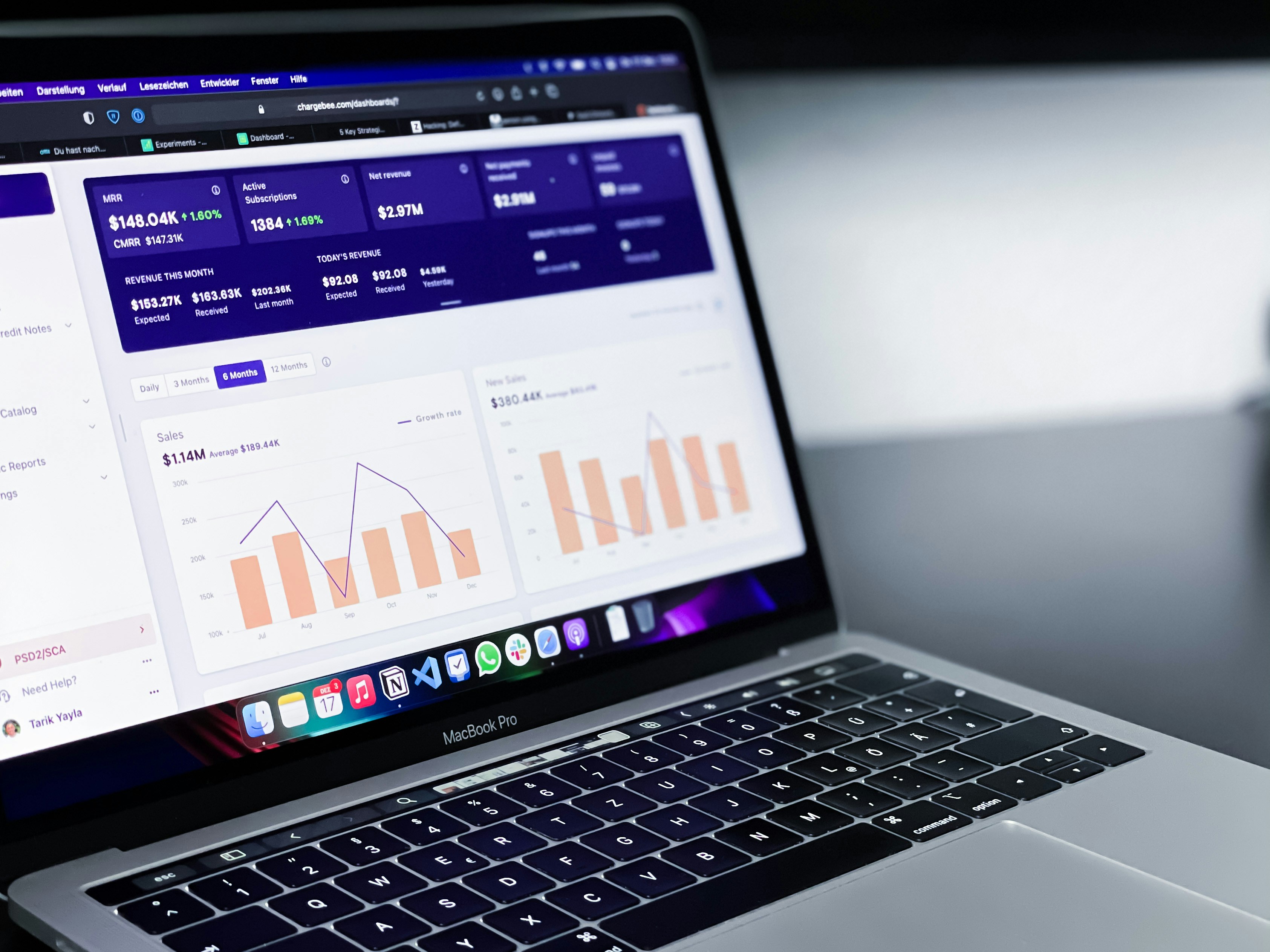
Introduction to Looker Studio
Looker Studio has emerged as an essential tool in the realm of data analytics and visualization. With the increasing importance of data-driven decision-making in modern businesses, Looker Studio provides an effective solution for organizations seeking to harness the power of their data. This platform specializes in transforming complex, raw datasets into easily comprehensible and insightful reports, thereby facilitating better business insights and actions.
The significance of Looker Studio lies in its ability to aggregate data from various sources, allowing users to develop a holistic view of their operations. By integrating data into a single platform, businesses can analyze trends, track performance metrics, and make informed strategic decisions. The flexible nature of Looker Studio encourages collaborative efforts among team members, promoting a shared understanding of data far beyond traditional reporting approaches. Users can effortlessly build visualizations that convey complex information in a clear, concise manner.
In addition to its robust data visualization features, Looker Studio supports advanced analytics capabilities. This includes predictive modeling and real-time data monitoring, which aid organizations in anticipating market shifts and adjusting their strategies accordingly. The platform’s user-friendly interface provides teams with the tools necessary to create custom dashboards, ensuring that all stakeholders have access to relevant insights tailored to their specific needs.
Furthermore, Looker Studio is widely adopted across industries due to its scalability and adaptability. Organizations of all sizes and sectors can leverage its capabilities, making it a favored choice for businesses seeking to elevate their analytics proficiency. By employing Looker Studio, companies can enhance their analytic processes, ultimately driving better business outcomes through informed decision-making based on accurate data interpretations.
Understanding the Chrome Device Use Case
A use case diagram is an essential component of visual analytics, offering a graphical representation of how users interact with a system. In the context of Looker Studio, these diagrams are particularly relevant for businesses employing Chrome Devices. By illustrating the relationships between different actors and the functionalities of the system, use case diagrams help streamline the analytics process, making it easier for stakeholders to grasp complex interactions and workflows.
The primary purpose of a use case diagram is to provide clarity on user requirements and operational capabilities. This clarity is especially vital for organizations leveraging Chrome Devices, as these tools often support diverse applications ranging from education to corporate environments. A well-structured use case diagram identifies key users, their needs, and the specific features they interact with. It allows businesses to elucidate how Chrome Devices can be harnessed to optimize workflows, enhance productivity, or improve user experiences.
Furthermore, implementing a use case diagram within Looker Studio can confer several advantages. Firstly, it aids in identifying potential gaps in services or functionalities that users might require, enabling businesses to address these deficiencies proactively. Secondly, it fosters better communication between technical and non-technical stakeholders, as it presents information in a visually digestible format. Finally, having a comprehensive view of user interactions can assist in effective resource allocation and strategic planning, ultimately leading to improved operational efficiency.
In summary, the Chrome Device use case in Looker Studio serves as a significant tool for understanding user interactions and optimizing device usage in various environments. By employing use case diagrams, businesses can enhance their analytics capabilities, ensure alignment with user needs, and create a roadmap for future growth and improvement.
Components of a Use Case Diagram
A use case diagram serves as a crucial component in system design and analysis, offering a visual representation of the interactions between users and the system itself. In the context of enhancing analytics with Looker Studio, understanding the primary components of a use case diagram is essential for effective data visualization and user engagement. The key elements of a use case diagram include actors, use cases, and relationships.
Actors represent the different types of users or external systems that interact with the application. In Looker Studio, for example, an actor may be a data analyst or a business user seeking insights from complex datasets. This representation helps stakeholders understand who is involved in the system and what roles they play. Identifying the relevant actors clarifies their interactions with the system, ensuring that the analytics capabilities of Looker Studio meet user requirements.
The use case itself defines the specific actions or functionalities that the system will perform in response to an actor’s input. In Looker Studio, use cases might involve generating reports, visualizing data with charts, or filtering datasets to isolate specific metrics. By clearly delineating these use cases, organizations can better align their analytics strategies with user expectations, facilitating improved decision-making processes.
Finally, the relationships in a use case diagram illustrate how actors and use cases are interconnected. These connections are essential for understanding the flow of information and the sequence of interactions. In Looker Studio, these relationships can highlight which use cases are most frequently engaged by users and how they access the data visualizations. By analyzing these relationships, businesses can optimize their use of Looker Studio to enhance user experience and drive insightful analytics.
Benefits of Using Looker Studio for Chrome Devices
Looker Studio presents a myriad of advantages when specifically applied to Chrome devices, significantly enhancing the user experience and analytical capabilities. One of the primary benefits is the ease of access it provides. As many organizations rely on Chrome devices for their everyday operations, Looker Studio seamlessly integrates with the Chrome ecosystem, allowing users to access data-driven insights without the need for additional software installations or complex setups. This ease of access fosters an environment where data can be readily analyzed and leveraged in real time.
Real-time analytics further distinguish Looker Studio as an essential tool for Chrome device users. By consolidating data and presenting it in an easily digestible format, Looker Studio facilitates immediate insights that are critical for decision-making processes. This capability is particularly beneficial for businesses that require timely responses in fast-paced environments. Users can observe trends as they emerge, enabling them to make informed choices based on the most current information available.
Collaboration stands as another significant advantage provided by Looker Studio, especially in the context of Chrome devices. Teams can work concurrently on dashboards and reports, sharing findings and insights effortlessly. This collaborative functionality eliminates silos, allowing for a cohesive approach to data analysis where every team member can contribute. Moreover, the ability to share reports in real-time means that stakeholders can remain aligned and informed about ongoing projects and key metrics.
Integration with Chrome’s ecosystem further enhances the overall functionality of Looker Studio. This interaction allows users to pull in data from various Google applications and services, streamlining the workflow and reducing the complexities associated with data retrieval. Collectively, these benefits of Looker Studio enhance the analytical experience for users on Chrome devices, resulting in more efficient operations, responsive decision-making, and improved collaborative efforts.
Step-by-Step Guide to Creating Use Case Diagrams in Looker Studio
Creating use case diagrams in Looker Studio can significantly enhance data visualization and analysis, helping teams better understand system requirements and interactions. Below is a step-by-step guide designed to assist users in crafting effective use case diagrams.
First, log into your Looker Studio account and navigate to the main dashboard. Click on the “Create” button, typically located in the upper left corner, and select “Report” from the dropdown menu. This action will open a new, blank report for your diagram.
Next, start by defining the data sources that will inform your use case diagram. Click on “Add a Data Source” and connect Looker Studio to relevant data repositories such as Google Sheets, BigQuery, or other databases. This will ensure that the diagram is based on real-time data updates.
Once your data source is connected, you can begin building the use case diagram. Click on the “Insert” menu and select the “Diagram” option. Choose a relevant template that suits your visualization needs. Looker Studio provides a variety of templates which can be customized according to specific requirements.
After selecting a template, populate the diagram with the necessary information. Utilize shapes and connectors to represent actors, systems, and use cases visually. Remember to ensure that the diagram remains clear and understandable; utilizing distinct colors can enhance visual clarity. Adding labels to shapes will further eliminate ambiguity.
Don’t forget to include note icons for additional explanations where necessary. These can clarify complex interactions or constraints within your diagram. Once you are satisfied with the layout and information, use the “Preview” mode to review the diagram’s functionality and aesthetics.
Lastly, save and publish your report. Regularly revisiting the use case diagram can facilitate updates as new data becomes available, ensuring that it remains relevant and useful over time. Following these steps will allow you to create insightful use case diagrams that contribute to a better understanding of your data scenarios within Looker Studio.
Real-World Applications of Looker Studio Use Case Diagrams
The implementation of Looker Studio for creating use case diagrams has proven transformative for several organizations, particularly in optimizing their analytics processes. One notable example is a major educational institution that employed Looker Studio to visualize the interactions of Chrome devices within its network. By mapping out how devices interacted with students and staff, the institution could identify usage patterns, streamline operations, and enhance the overall learning experience. The use case diagram served as a vital tool for the IT department, allowing them to prioritize resources based on actual usage data and improve device deployment strategies.
Another compelling instance can be seen in a retail company that utilized Looker Studio to assess customer engagement with their Chrome-based point-of-sale systems. By constructing a use case diagram, the retailer visually represented customer touchpoints and sales processes. This facilitated data-driven decision-making that led to targeted marketing campaigns and improved inventory management. As a result, the company observed a significant increase in sales efficiency, with analytics providing insights into customer preferences and behaviors that were previously overlooked.
A financial services firm also adopted Looker Studio to develop use case diagrams illustrating the implementation of Chrome devices for secure client transactions. The visualization clarified security workflows and compliance measures, enabling the firm to identify potential vulnerabilities. This proactive approach to analytics not only enhanced the security of client data but also fostered trust among customers. The dynamic nature of the diagrams allowed for ongoing adjustments, ensuring that the firm’s strategies remained aligned with evolving regulatory standards.
These examples reflect how diverse organizations leverage Looker Studio’s capabilities to create use case diagrams that bolster their analytics processes. By effectively mapping out interactions and workflows involving Chrome devices, companies are better positioned to make informed decisions that drive improvement across their operations.
Common Challenges and Solutions
Creating use case diagrams in Looker Studio can offer invaluable insights for organizations, yet users often encounter several challenges that can hinder their workflow. Understanding these common issues, along with the appropriate solutions, can enhance the overall analytics experience.
One prevalent challenge is insufficient data integration. Users may find it difficult to consolidate data from various sources, which can lead to incomplete or inaccurate diagrams. To mitigate this issue, it is crucial to ensure that all relevant data sources are properly connected and validated within Looker Studio. Leveraging Looker’s built-in data blending capabilities allows users to harmonize data seamlessly, promoting more accurate representations in use case diagrams.
Another common complication arises from the complexity of user permissions and accessibility settings. Inconsistent access to data can result in variances in diagram outputs. To combat this challenge, stakeholders should conduct a thorough review of user roles and permission settings within Looker Studio. By implementing customized access controls, users can ensure that all team members have the necessary permissions to contribute to and view the use case diagrams effectively.
Moreover, users might struggle with the visual representation of data, leading to diagrams that lack clarity or coherence. It is advisable to apply consistent visual styles and color coding when creating use case diagrams. Utilizing templates provided within Looker Studio can also offer guidance on best practices in visual organization. Additionally, users can benefit from feedback sessions where team members can evaluate the clarity of the diagrams and suggest improvements.
By recognizing these common challenges and applying targeted solutions, users can create more effective use case diagrams in Looker Studio. Ultimately, these strategies will lead to enhanced analytics outcomes and a smoother user experience.
Future Trends in Data Visualization
As data visualization continues to evolve, tools like Looker Studio are poised to play an integral role in shaping the landscape of analytics. Emerging technologies such as artificial intelligence (AI), machine learning (ML), and augmented reality (AR) are expected to significantly influence the design and functionality of data visualization platforms. For instance, as AI becomes more sophisticated, its integration into tools like Looker Studio could enable users to automatically generate insightful use case diagrams based on underlying data trends, thus reducing the time spent on manual charting.
The demand for interactive and immersive visualizations is also expected to rise. Users are moving beyond static charts and tables, seeking experiences that allow for real-time data manipulation and exploration. Looker Studio may evolve to support enhanced interactivity through features such as drag-and-drop capabilities for creating use case diagrams, enabling users to visualize complex relationships and hierarchies easily. This demand is fueled by an expanding reliance on data-driven decision-making across various sectors, including business, healthcare, and education.
Moreover, the increasing adoption of cloud computing will lead to more collaborative analytics environments, where multiple stakeholders can work together seamlessly in Looker Studio. This shift could facilitate the sharing and co-creation of data visualizations, including use case diagrams, fostering a more collective approach to understanding data. Data storytelling will also gain prominence, emphasizing narrative-based visualizations that highlight significant insights derived from analytics.
In conclusion, the future of data visualization appears promising, driven by advancements in technology and an evolving understanding of users’ needs. Tools like Looker Studio will likely continue to adapt and expand their functionalities, providing dynamic platforms that enhance the way we analyze and present data in various applications.
Conclusion and Call to Action
In this blog post, we have explored the capabilities of Looker Studio, particularly in relation to its utility in data visualization and analytics through a focused application involving Chrome devices. By delving into the specific use case diagram, we have highlighted how Looker Studio can transform complex data sets into accessible insights, thereby aiding organizations in making informed decisions. The integration of various data sources within Looker Studio enhances analytical processes, allowing users to leverage the full potential of their data.
The discussion emphasized the importance of data visualization in making analytics comprehensible and actionable. Looker Studio’s user-friendly interface coupled with its robust functionality stands out as a significant advantage for businesses looking to optimize their data analysis. By adapting to client needs, Looker Studio offers customizable options for data representation, ensuring that users can tailor their dashboards and reports to better reflect their goals and strategies.
As we conclude, we encourage readers to actively explore Looker Studio for their data visualization needs. By utilizing this powerful tool, organizations can gain clearer insights and enhance their analytical capabilities. For further information regarding Looker Studio’s functionalities, potential use cases, and access to educational resources, feel free to visit the official website or consult the documentation provided by Google. Should any questions arise or more personalized assistance be needed, we invite you to contact our team. Taking the step to employ Looker Studio can significantly elevate your data analysis experience and drive success in your data-driven initiatives.

