
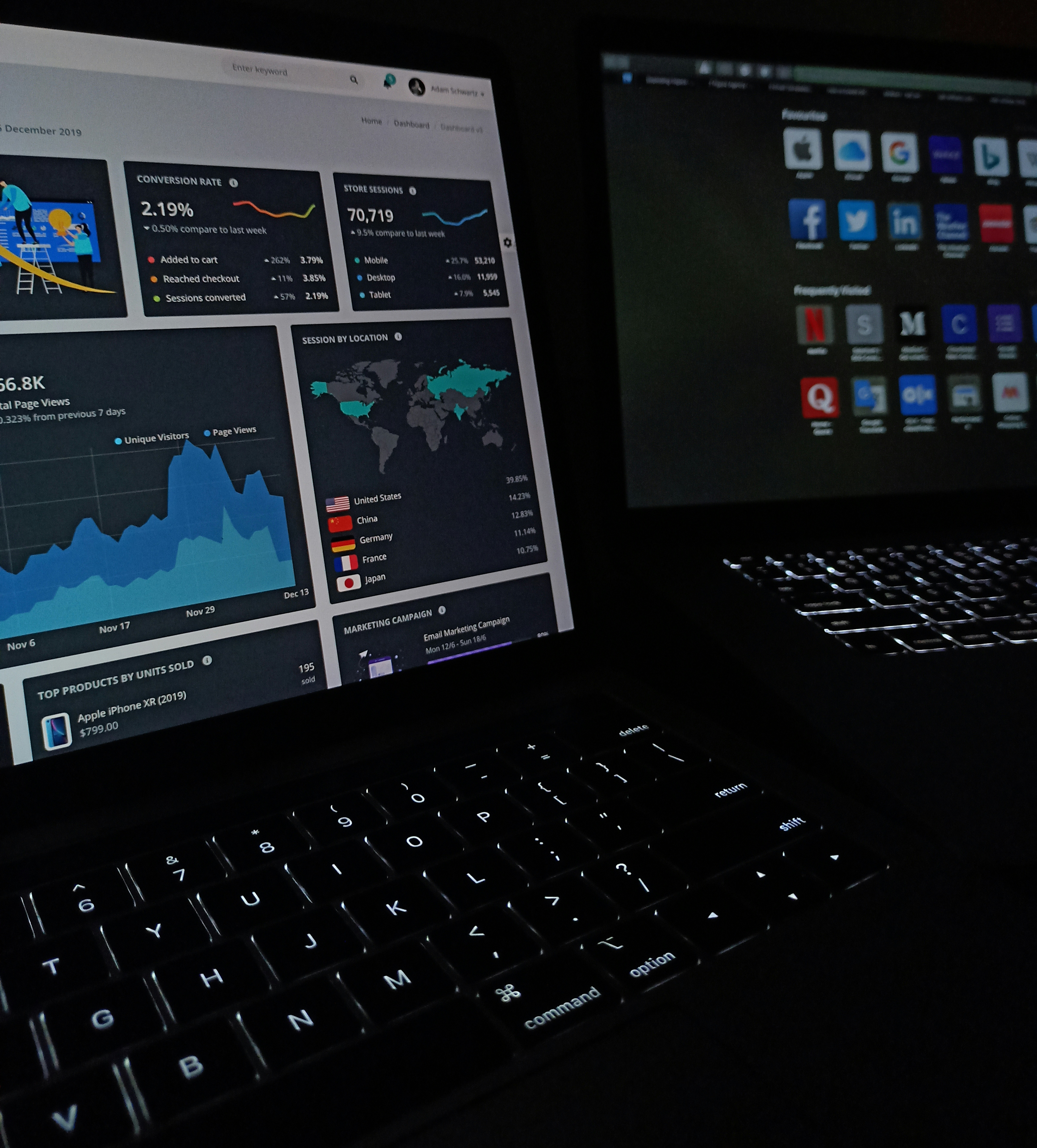
Introduction to Looker Studio
Looker Studio is an advanced data visualization and business intelligence platform that empowers organizations to analyze and interpret their data effectively. Designed to facilitate data-driven decision-making, Looker Studio allows users to transform raw data into meaningful insights that can significantly enhance strategic operations. With its robust suite of features and intuitive interface, Looker Studio is particularly well-suited for businesses seeking to leverage their data comprehensively.
A hallmark feature of Looker Studio is its ability to connect with various data sources, enabling diverse data integration into a single platform. This connectivity allows organizations to gain a unified view of their operations, facilitating more informed decisions based on real-time data insights. The platform excels in offering a range of visualization options, including charts, graphs, and interactive dashboards, which cater to different analytical needs. Users can customize these visualizations to align with specific business objectives, making Looker Studio a versatile tool for data presentation.
Moreover, Looker Studio emphasizes collaboration within teams. Users can easily share dashboards and reports with stakeholders, enhancing transparency and collective understanding of data insights. Its user-friendly features ensure that even individuals with limited technical expertise can navigate the tool effectively, fostering a culture of data literacy within organizations. In essence, Looker Studio is not just a data visualization tool; it is a catalyst for uncovering actionable insights, driving efficiency, and supporting businesses in their quest to remain competitive in an increasingly data-centric marketplace.
What is Google Campaign Manager 360?
Google Campaign Manager 360 is an integral part of Google’s suite of digital marketing solutions, specifically designed to help advertisers and marketers manage their online advertising campaigns efficiently. As a robust campaign management tool, it streamlines various aspects of digital marketing, including ad serving, tracking, and reporting, allowing users to have a comprehensive view of their campaign performance.
One of the key features of Google Campaign Manager 360 is its cross-channel capabilities. This means that marketers can plan, execute, and analyze campaigns that span multiple channels, such as display, video, and mobile. By integrating data from various sources, Google Campaign Manager 360 enables users to see how their ads are performing across different platforms, ensuring that marketing strategies are coherent and effective. Moreover, the platform supports rich media and dynamic ads, adding depth to advertisers’ creative efforts.
In addition to its powerful ad serving capabilities, Google Campaign Manager 360 offers detailed reporting and analytics tools. Advertisers can track key performance indicators (KPIs) in real-time, providing insights into audience engagement, conversion rates, and overall return on investment (ROI). The platform’s advanced tracking features, such as floodlights, allow marketers to measure the effectiveness of their campaigns at a granular level, pinpointing which strategies yield the best results.
Another important benefit of Google Campaign Manager 360 is its ability to collaborate with other Google Marketing Platform tools, such as Google Ads and Search Ads 360. This interconnectedness facilitates a seamless marketing experience, allowing for better data sharing and campaign optimization. By leveraging the comprehensive functionalities of Google Campaign Manager 360, advertisers are empowered to enhance their campaigns, ultimately leading to improved performance and more effective engagement with their target audience.
Integrating Looker Studio with Google Campaign Manager 360
Integrating Looker Studio with Google Campaign Manager 360 is an essential step for organizations aiming to enhance their data reporting and visualization capabilities. The seamless connection between these two powerful platforms enables users to leverage insights directly from their marketing campaigns, facilitating informed decision-making. To initiate the integration process, a few essential tools and steps must be considered.
First and foremost, ensure that you have access to both Looker Studio and Google Campaign Manager 360. The combination of these tools allows users to transform raw data into intuitive dashboards and visual representations, improving the overall analysis of marketing performance. Start by logging into Looker Studio, where you can create a new report or open an existing one.
Next, navigate to the “Data Sources” section within Looker Studio. Here, you will have the option to add a new data source. Select “Google Campaign Manager 360” from the list of available connectors. If you do not see this option, ensure that your account has been configured correctly and has the necessary permissions to access the data.
Once you have selected the Google Campaign Manager 360 connector, you will be prompted to authenticate your account. This step is crucial, as it verifies your access rights and ensures secure data transfer. Upon successful authentication, you will be taken to a setup screen where you can customize your data query. Here, you can choose specific metrics and dimensions relevant to your marketing objectives, allowing for a tailored reporting experience. After configuring your selections, click “Connect” to finalize the integration.
In summary, the integration of Looker Studio with Google Campaign Manager 360 is a straightforward process that significantly enhances data analysis and reporting. By following these steps, users can create powerful visualizations that provide valuable insights into marketing performance, empowering them to make data-driven decisions.
Creating Effective Reports with Looker Studio
Creating impactful reports in Looker Studio involves a strategic approach to report design, data selection, and the definition of key performance indicators (KPIs). By adhering to best practices, users can enhance the effectiveness of their reports and derive valuable insights from the available data.
The first step in crafting an effective report is to clearly outline the objective of the report. Understanding the target audience and their specific needs is crucial, as it informs the selection of relevant data and visual elements. Begin by identifying the KPIs that align with the report’s purpose, ensuring that they are measurable and directly linked to business goals. This clarity will guide further development and facilitate data-driven decision-making.
Next, the selection of data should be both precise and appropriate. Looker Studio allows users to connect various data sources, which can be customized based on the report’s requirements. By filtering and aggregating data effectively, users can eliminate unnecessary clutter and present information in a straightforward manner. It is advisable to showcase only the most relevant metrics to avoid overwhelming the audience and to maintain focus on the key messages.
Visual representation plays a critical role in report effectiveness. Looker Studio offers a range of customizable templates and visualization options, including charts, graphs, and tables that can enhance user experience. Employing clear and concise visual elements allows viewers to grasp complex data quickly. Ensure that the visuals are not only aesthetically pleasing but also conducive to understanding the underlying narrative the data represents.
Finally, thorough testing of the report before distribution is essential. Solicit feedback from peers or stakeholders to validate the understandability and relevance of the information presented. This iterative process ensures a polished and professional final product that effectively communicates the intended insights and drives informed action. By mastering these practices, users can leverage Looker Studio to create reports that are not only informative but also engaging.
Analyzing Campaign Performance
In the realm of digital marketing, analyzing campaign performance is vital for understanding the effectiveness of various strategies implemented. Google Campaign Manager 360 (CM360) offers a comprehensive suite of tools that enable marketers to evaluate their campaigns in-depth. With access to certain key metrics, one can interpret data that reflects user engagement, conversions, and overall success rates.
Key performance indicators (KPIs) in Google Campaign Manager 360 include impressions, clicks, conversions, cost-per-click (CPC), and return on ad spend (ROAS). Each metric provides a unique perspective on how the audience interacts with the campaign. For instance, a high number of impressions coupled with low click rates may suggest that while your advertisements reach a broad audience, they may not resonate effectively with potential customers. Conversely, a low CPC combined with a high conversion rate indicates a more efficient use of budget and a successful engagement strategy.
To extract actionable insights, it’s important to monitor these metrics over time. Regularly reviewing data helps identify trends that indicate what strategies are working and what needs adjustment. For instance, analyzing data trends can help marketers discover peak times for user engagement or identify which ad formats lead to higher conversions. Additionally, segmentation of data based on demographics, device types, or geographical locations can bring forth granular insights that fine-tune targeting efforts.
Combining qualitative insights from the data with quantitative results fosters a more comprehensive understanding of campaign performance. By embracing a data-driven approach to analysis, marketers can make informed decisions that enhance future campaigns. In conclusion, utilizing Google Campaign Manager 360 for performance analysis not only helps in understanding past activities but also shapes future marketing strategies for improved results.
Customizing Dashboards in Looker Studio
Looker Studio offers a robust platform for creating personalized dashboards tailored to individual business requirements. The ability to customize dashboards not only enhances user experience but also improves the way data is visualized and interpreted. To begin, users can create a new dashboard by selecting the ‘Create’ option, which opens up a canvas ready for modifications.
Once on the dashboard canvas, integrating widgets is the first step toward customization. Widgets serve as dynamic visual elements, such as charts, graphs, and tables, that present data insights effectively. To add a widget, click on the ‘Add a Widget’ option, and select the type from the available list. After picking your desired widget, simply drag and drop it onto the canvas. This process ensures the dashboard has a unique feel that aligns with business objectives.
Incorporating filters is crucial for narrowing down data representations on the dashboard. Filters allow users to focus on specific subsets of data, making analysis more straightforward. To apply filters, locate the ‘Add Filter’ option and define the criteria based on relevant metrics or dimensions. Once filters are set, the widgets will automatically adjust to reflect only the filtered data, thereby enhancing clarity and focus in insights.
Lastly, it is important to adjust the layout of the dashboard to ensure optimal readability. Layout customization involves resizing widgets, rearranging their positions, and grouping related elements together. This can be achieved by clicking and dragging each widget to your preferred location, as well as adjusting their dimensions to create a balanced visual flow. Utilizing these customization features in Looker Studio not only makes dashboards more impactful but also empowers users to derive actionable insights efficiently, tailored to their specific business dynamics.
Troubleshooting Common Issues
Using Looker Studio alongside Google Campaign Manager 360 can significantly enhance data analysis and reporting capabilities. However, users may encounter some common challenges during operation that require effective troubleshooting. One prevalent issue pertains to data synchronization. Users should first ensure that all necessary permissions are properly set within both Looker Studio and Google Campaign Manager 360. Incorrect permissions can lead to incomplete data retrieval and skewed analysis. Additionally, verifying the data source connections in Looker Studio can help pinpoint any discrepancies that may arise from disconnected or misconfigured data streams.
Another significant challenge is report accuracy. Users may sometimes notice that the metrics reported in Looker Studio do not align with those shown in Google Campaign Manager 360. To address this, it is crucial to check that filters and segments applied in Looker Studio are consistent with those used in Google Campaign Manager 360. It is also recommended to refresh the data to capture the latest updates from both platforms, ensuring that the analysis reflects the most accurate information available.
Integration problems between Looker Studio and Google Campaign Manager 360 can also pose hurdles for users. For instance, if certain features or data sets are not pulling through as expected, it is advisable to examine the API connections and credentials. Re-authenticating or updating the integration settings may rectify these issues. Additionally, routinely consulting the update logs for each tool can inform users about any recent changes that might affect integration performance, helping to preemptively mitigate potential problems.
In conclusion, resolving these common issues requires attention to detail regarding data synchronization, report accuracy, and integration configurations. By systematically addressing these areas, users can optimize their use of Looker Studio and Google Campaign Manager 360 to achieve reliable data insights.
Case Studies: Success Stories
In the rapidly evolving landscape of digital marketing, utilizing advanced tools is essential for businesses to effectively manage campaigns and analyze data. Looker Studio, paired with Google Campaign Manager 360, has transformed how organizations across various industries approach their reporting and campaign management strategies.
One notable case study comes from a major retail company that implemented Looker Studio to streamline its data reporting processes. Initially, the company struggled with disparate data sources that made it challenging to derive actionable insights. By integrating Looker Studio, they managed to consolidate their data from multiple platforms into a singular, comprehensible dashboard. This allowed the marketing team to monitor performance across different campaigns in real time, adjusting strategies based on immediate performance metrics. As a result, the retail company saw a 25% increase in overall campaign effectiveness, highlighting the importance of utilizing advanced data visualization tools such as Looker Studio.
Additionally, a well-known travel agency leveraged Google Campaign Manager 360 to enhance its digital advertising strategyp. Previously, the agency faced difficulties tracking their ad spending and measuring the return on investment effectively. With the implementation of Google Campaign Manager 360, they could better allocate their budget by analyzing which channels drove the most visitors and conversions. This insight enabled them to maximize their advertising ROI, resulting in a 30% improvement in their lead generation efforts over the course of just six months.
Moreover, a technology firm utilized both Looker Studio and Google Campaign Manager 360 to assess customer engagement across their digital assets. By analyzing user interaction data with the support of Looker Studio, the firm identified key user journeys and optimized their content accordingly. The combination of these tools led to a more personalized customer experience and subsequent growth in customer retention rates.
These contrasting examples illustrate the versatility of Looker Studio and Google Campaign Manager 360 in addressing unique challenges faced by businesses in various sectors. The ability to leverage data effectively can lead to transformative results, thus enabling companies to stay competitive in today’s digital environment.
Future Trends in Data Analytics and Reporting
The landscape of data analytics and reporting is undergoing significant transformation, driven largely by advances in technology and evolving business needs. As we look into the future, tools such as Looker Studio and Google Campaign Manager 360 are set to play pivotal roles in shaping these trends. One of the most prominent emerging trends is the integration of artificial intelligence (AI) and machine learning (ML) into analytics platforms. These technologies are enabling organizations to make more accurate predictions, automate data processing, and derive insights that were previously unattainable.
Another key trend is the shift towards real-time data analytics. In an era where timely decision-making is critical, businesses are increasingly relying on solutions that provide immediate access to data insights. Looker Studio, with its robust capabilities for generating real-time reports and visualizations, is well-positioned to meet this demand. Moreover, the growing importance of data privacy and security is influencing the way analytics tools are developed and implemented, ensuring that compliance regulations are adhered to while maintaining data integrity.
Additionally, there is a rising emphasis on data democratization, which aims to empower employees at all levels with the ability to access and analyze data. This approach fosters a culture of data-driven decision-making within organizations, making sophisticated analytics solutions like Google Campaign Manager 360 more accessible to a broader audience. The ongoing development of user-friendly interfaces and self-service analytics tools further supports this objective.
Lastly, as businesses grapple with ever-increasing amounts of data, the role of data governance becomes more pronounced. Managing data quality and ensuring that analytic outputs remain reliable will be paramount. Companies will need to focus on building data literacy among their staff to effectively leverage tools like Looker Studio and Google Campaign Manager 360, ensuring they can navigate the complexities of data analytics in the future.

