
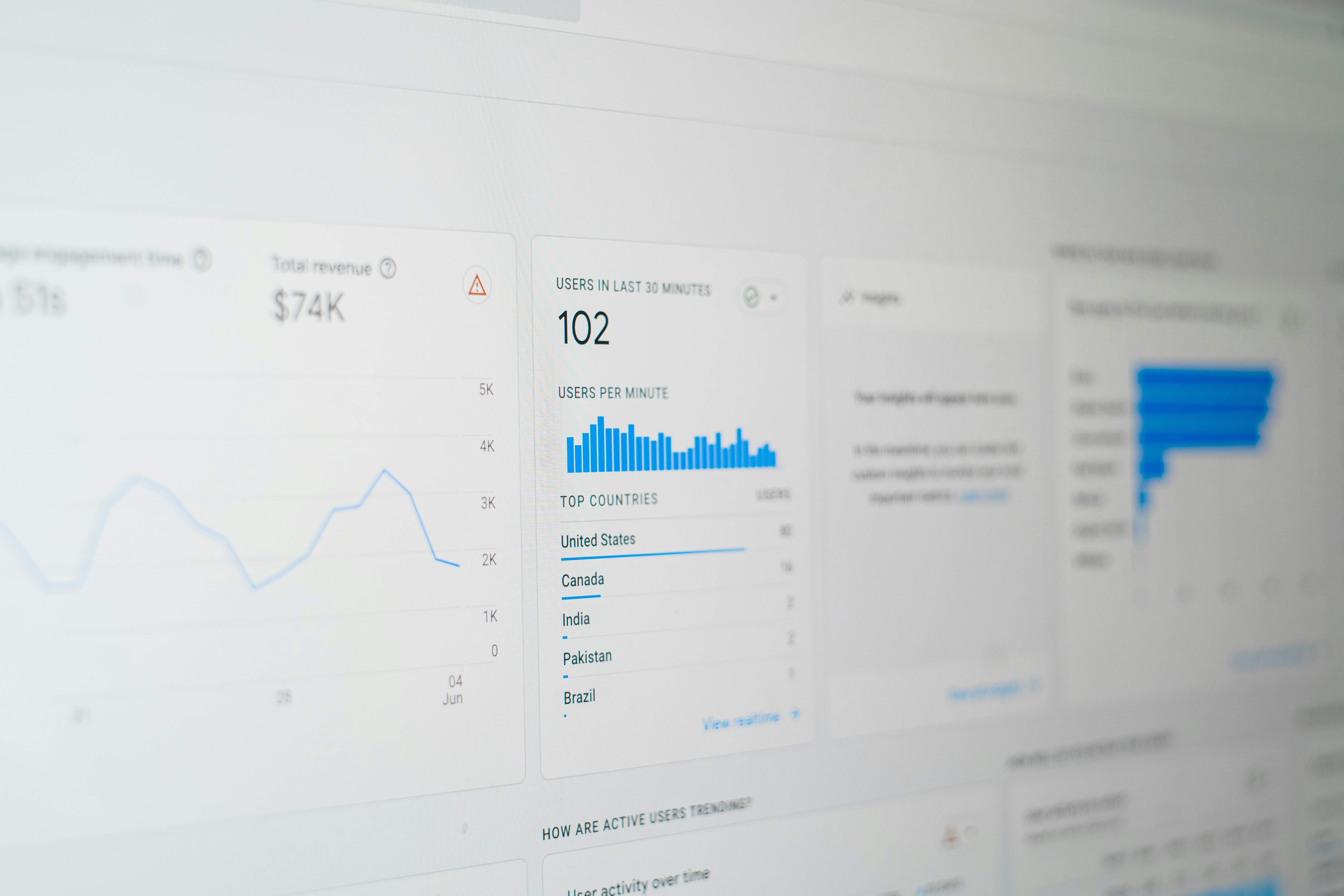
Introduction to Looker Studio
Looker Studio is a powerful data visualization and business intelligence tool designed to transform raw data into meaningful insights. It provides organizations with the ability to create custom dashboards, visualizations, and reports that facilitate better decision-making based on data analytics. One of the core features of Looker Studio is its capacity to connect with various data sources, allowing businesses to pull in information from numerous platforms for comprehensive analysis.
By harnessing the capabilities of Looker Studio, teams can visualize complex data sets in a more digestible format, ensuring that stakeholders can easily interpret the information being presented. The tool supports a variety of data visualizations such as charts, graphs, tables, and geographic maps, which can be tailored to reflect key performance indicators (KPIs) relevant to the organization’s objectives.
Moreover, Looker Studio’s user-friendly interface empowers users to create interactive reports without the need for extensive technical knowledge. This democratization of data enables more team members to leverage analytics for their specific use cases, fostering a culture of data-driven decision-making within the organization. As businesses increasingly rely on data to guide their strategies, Looker Studio stands out as a vital tool for surfacing insights that contribute to informed choices.
As we delve deeper into the integration of Looker Studio with PayPal, it’s essential to recognize how this synergy can enhance financial reporting. By utilizing Looker Studio in conjunction with PayPal data, businesses can gain deeper insights into their financial performance, thus enabling them to navigate their fiscal landscape with greater clarity and precision. This powerful combination has the potential to transform reporting processes, making financial analytics not only accessible but also actionable for business leaders.
Understanding PayPal’s Reporting Features
PayPal offers a comprehensive suite of reporting features that are essential for businesses managing online transactions. These reporting capabilities empower users to gain critical insights into their financial performance, thereby enhancing their overall business strategy. One of the primary types of reports available is the transaction history, providing a detailed account of all financial activities associated with the PayPal account. This feature helps users track incoming and outgoing funds, thereby facilitating precise accounting and reconstruction of financial records as needed.
Another pivotal aspect of PayPal’s reporting features is the sales report. This report summarizes all sales activities within a specified time frame and categorizes them by various parameters such as product type, customer demographics, and geographical location. By analyzing this data, businesses can identify sales trends, evaluate product performance, and make informed decisions about inventory management and marketing strategies. The sales report not only aids in understanding current business performance but also assists in forecasting future sales.
Additionally, PayPal provides performance analytics, which serves as a robust tool for assessing the effectiveness of marketing campaigns and customer engagement initiatives. These analytics highlight key performance indicators, signaling which strategies yield the highest return on investment. Features such as conversion rate statistics and customer retention metrics help users refine their approach to maximize their potential within the digital marketplace.
In essence, PayPal’s reporting features play a vital role in helping businesses evaluate their financial standing and operational efficiency. By leveraging these reports, users can manage their online transactions more effectively and implement strategies that enhance business growth and profitability.
Integrating Looker Studio with PayPal
Integrating Looker Studio with PayPal is a straightforward yet critical step for users looking to elevate their financial reporting capabilities. This process enables businesses to consolidate their PayPal data within Looker Studio, facilitating advanced visualizations and reporting. Below is a step-by-step guide to help users effectively connect their PayPal accounts to Looker Studio.
First, you will need to log into your Looker Studio account. If you don’t have one, you can easily create an account by visiting the Looker Studio website. Once inside, navigate to the data source section where you can manage existing connections or add new ones. Look for the option to create a new data source.
Next, choose “PayPal” from the list of available connectors. If PayPal is not listed, you may need to explore third-party solutions or API integrations. After selecting PayPal, the system will prompt you for authentication. Ensure that you have access to the PayPal account you wish to connect, as you will need to log in and grant Looker Studio permission to retrieve data.
Upon successful authentication, you can specify the data you wish to import. Looker Studio allows you to customize your data import settings, enabling you to focus on specific transactions, time ranges, or financial metrics that are most relevant to your analysis. Once you have confirmed your data selections, the final step is to establish the connection. This action will pull your PayPal financial data directly into Looker Studio, accessible through the data panel.
With this integration complete, users can now begin creating reports and visualizations that reflect their PayPal transactions, thus enhancing their data-driven decision-making processes. This seamless access to financial data allows organizations to leverage Looker Studio’s powerful analytical capabilities effectively.
Creating Custom Dashboards in Looker Studio
Creating custom dashboards in Looker Studio is a powerful way to visualize data, especially when dealing with financial reports from platforms like PayPal. Looker Studio is designed with flexibility in mind, enabling users to craft dashboards that align precisely with their specific key performance indicators (KPIs) and metrics. This adaptability makes it a suitable tool for businesses seeking to enhance their reporting capabilities.
The first step in building a custom dashboard involves connecting Looker Studio to your PayPal report data. This can typically be achieved through data blending or using connectors that facilitate seamless integration. Once the data source is linked, users can proceed to lay out the dashboard by selecting pertinent visualizations. Looker Studio offers a variety of chart types—ranging from bar graphs to tables and pie charts—allowing users to represent their data in the most comprehensible manner.
As you create your dashboard, it is essential to focus on the key metrics that matter most to your business. For a PayPal reporting dashboard, these may include metrics like total revenue, transaction volume, and customer acquisition costs. By utilizing different visual components, such as scorecards to spotlight major figures and time series graphs to show trends, users can create a holistic view of their financial performance.
Moreover, the interactive features of Looker Studio allow for real-time data updates and filtering options. This interactivity can enhance user engagement, as stakeholders can drill down into specific data points that are of interest. For instance, if tracking sales performance across different regions or product lines, users can set up filters that isolate data to reveal actionable insights.
In conclusion, the process of creating custom dashboards in Looker Studio is straightforward yet profoundly impactful. By strategically selecting metrics and utilizing the platform’s flexible visualization options, businesses can effectively represent their financial health based on PayPal reports, ultimately leading to better-informed decision-making. Incorporating comprehensive dashboards enables organizations to stay ahead in a competitive landscape by continually monitoring their key financial metrics.
Data Visualization Techniques in Looker Studio
Data visualization plays a crucial role in interpreting complex financial information, particularly when dealing with PayPal reporting. Looker Studio offers a range of data visualization techniques that enable users to present and analyze their data effectively. By leveraging these tools, businesses can make informed decisions based on clear insights. One of the fundamental components of Looker Studio is its ability to create various chart types. For instance, bar charts can be employed to illustrate the volume of transactions over time, while pie charts can effectively represent the distribution of sales across different product categories. Utilizing these visual elements allows for a quick understanding of data patterns.
In addition to basic chart types, Looker Studio provides advanced visualization options such as heat maps and scatter plots. Heat maps can serve as a valuable resource when assessing transaction frequency and identifying peak periods for sales, while scatter plots can uncover correlations between differing metrics, such as average order value versus transaction volume. These techniques facilitate deeper analysis by presenting data relationships in a visually engaging manner.
Best practices in data visualization are vital to ensure that insights gleaned from PayPal data are clear and actionable. It is essential to select the appropriate visualization method that aligns with the data being analyzed while maintaining simplicity and avoiding unnecessary complexity. Consistent labeling, clear legends, and an organized layout enhance readability and ensure that stakeholders can derive valuable insights quickly. Additionally, utilizing contrasting colors aids in differentiating data sets, making visual interpretations more accessible.
By effectively utilizing the varied data visualization techniques available in Looker Studio, businesses can enhance their reporting capabilities and gain clearer insights into their financial performance. These visual elements not only aid in understanding historical data trends but also empower users to forecast future business activity, thus fostering strategic growth and decision-making.
Real-Time Reporting Benefits
Integrating Looker Studio with PayPal data offers significant advantages in real-time reporting, which plays a crucial role in effective financial management. Accessing current financial information allows businesses to make timely decisions based on accurate and up-to-date data. This capability is particularly essential in a fast-paced business environment where conditions can change rapidly.
One of the primary benefits of real-time reporting is the ability to monitor financial performance continuously. Businesses can track transactions as they occur, providing immediate insight into sales trends, customer behavior, and cash flow. For example, if a company notices a sudden spike in PayPal transactions for a specific product, it can quickly assess inventory levels and customer demand, responding proactively rather than reactively. The ability to react promptly can lead to enhanced sales opportunities and improved customer satisfaction.
Moreover, real-time insights facilitate effective budgeting and forecasting processes. By utilizing Looker Studio to analyze live PayPal data, businesses can identify spending patterns and revenue streams, allowing for more accurate financial projections. For instance, a startup may notice increasing revenue trends during particular promotions or partnerships. By understanding these patterns in real-time, they can adjust marketing strategies and allocate resources more efficiently, thus maximizing their return on investment.
Another notable advantage is risk management. Real-time reporting enables organizations to quickly identify discrepancies or unusual activity in their financial data, which could signify fraud or errors. Having the capability to monitor transactions in real-time provides an added layer of security, ensuring that businesses can take decisive action before issues escalate.
In conclusion, the implementation of real-time reporting through Looker Studio with PayPal data equips businesses with the tools they need for timely decision-making, accurate financial oversight, and proactive risk management, ultimately leading to better financial health and operational efficiency.
Case Studies: Successful Implementations
Several businesses have successfully leveraged Looker Studio to enhance their PayPal reporting capabilities, showcasing the tool’s versatility and effectiveness. One notable implementation involved an e-commerce company that faced challenges in reconciling daily transactions recorded in PayPal with its sales data in accounting software. The management struggled to access meaningful insights in real time, leading to difficulties in making informed decisions and monitoring cash flow.
By integrating Looker Studio, the company built a robust reporting dashboard, allowing them to visualize and analyze transaction data from PayPal seamlessly. This integration provided them with a consolidated view of their sales, fees, refunds, and chargebacks. The business utilized Looker Studio’s data blending feature to combine PayPal data with other sources, resulting in richer, more comprehensive insights. Within months, the business reported a 30% improvement in reconciliation efficiency and an enhanced ability to forecast revenue trends accurately.
Another case study involves a nonprofit organization that raised funds through PayPal. The organization’s leadership struggled with tracking donor contributions effectively, hampering their ability to understand fundraising performance over time. By implementing Looker Studio, they created a centralized reporting tool that tracked donations, segmented by various criteria such as campaign, donor demographics, and transaction types.
This solution empowered the nonprofit to analyze trends in donations and tailor their campaigns accordingly. Post-implementation, they experienced a 25% increase in donor retention, attributed to the insights gained from analyzing donation patterns more effectively. Furthermore, automated reports allowed for timely updates on fundraising performance to stakeholders, greatly improving transparency and engagement.
These case studies illustrate that implementing Looker Studio for PayPal reporting not only resolves data challenges but also delivers substantial improvements in operational efficiency and decision-making, setting a benchmark for future practices in data analytics.
Common Challenges and Troubleshooting
Integrating Looker Studio with PayPal for reporting can be a transformative strategy for businesses. However, users often encounter various challenges that can impede the efficiency of this process. One common issue is data synchronization, where reports fail to reflect the most recent transactions or account updates. This can occur due to delayed API responses or incorrect data mappings. To troubleshoot this, ensure that the PayPal data source is correctly configured and that the refresh settings in Looker Studio are adjusted to automatically update at appropriate intervals.
Another challenge arises when users attempt to create custom metrics or dimensions within Looker Studio. Users may find that certain fields are not available or that calculations do not yield accurate results. It is crucial to familiarize yourself with the PayPal reporting structure to ensure that the necessary fields are accessible. In some cases, custom SQL queries might be necessary to extract the required data. Validate your queries in a separate SQL editor before implementing them in Looker Studio to avoid errors and ensure the integrity of the reports.
Visibility of errors during report generation can also pose a significant challenge. Often, users receive error messages without clear guidance on the issue at hand. Taking the time to review error logs in Looker Studio can provide valuable insights. These logs can help trace back to the source of the problem, whether it is a connectivity issue, a permissions problem, or a data integrity error. Additionally, ensure that you have the necessary permissions established in both Looker Studio and PayPal, as access issues can hinder report generation.
By understanding these common challenges and implementing the suggested troubleshooting strategies, users can enhance their reporting experience. Familiarizing yourself with both platforms is key to overcoming obstacles effectively, ultimately improving the insights derived from the integration of Looker Studio and PayPal data.
Conclusion and Next Steps
Utilizing Looker Studio for PayPal reporting presents a comprehensive solution for businesses seeking to enhance their financial analytics and performance tracking. Throughout this blog post, we have explored how Looker Studio can effectively consolidate and visualize PayPal transaction data, allowing for more informed decision-making. By leveraging the powerful features of Looker Studio, users can create customized dashboards that provide valuable insights into their payment flows and user behavior.
One of the major advantages of Looker Studio is its ability to integrate with various data sources, including PayPal, enabling users to visualize their financial data in real time. This integration aids businesses in uncovering patterns and trends that can lead to strategic insights and operational efficiencies. Moreover, the collaboration capabilities of Looker Studio facilitate team engagement in the reporting process, enhancing overall productivity.
For those interested in maximizing the benefits of Looker Studio for their PayPal reporting needs, the next steps involve exploring its functionalities and APIs. Users should consider starting with the Looker Studio documentation and tutorials, which provide valuable guidance on setting up reports and visualizations specific to PayPal data. Additionally, engaging with community forums and support platforms can offer further assistance, promoting best practices and innovative solutions shared by experienced users.
In summary, as businesses increasingly depend on data-driven strategies, Looker Studio emerges as a vital tool for efficient PayPal reporting. By exploring its capabilities, organizations can gain a competitive edge and enhance their financial acumen. If you are ready to dive into the world of Looker Studio, take the initiative to familiarize yourself with its features and connect with the resources available to ensure a successful implementation of reporting strategies that suit your business needs.

