Understanding Looker Studio: An Overview
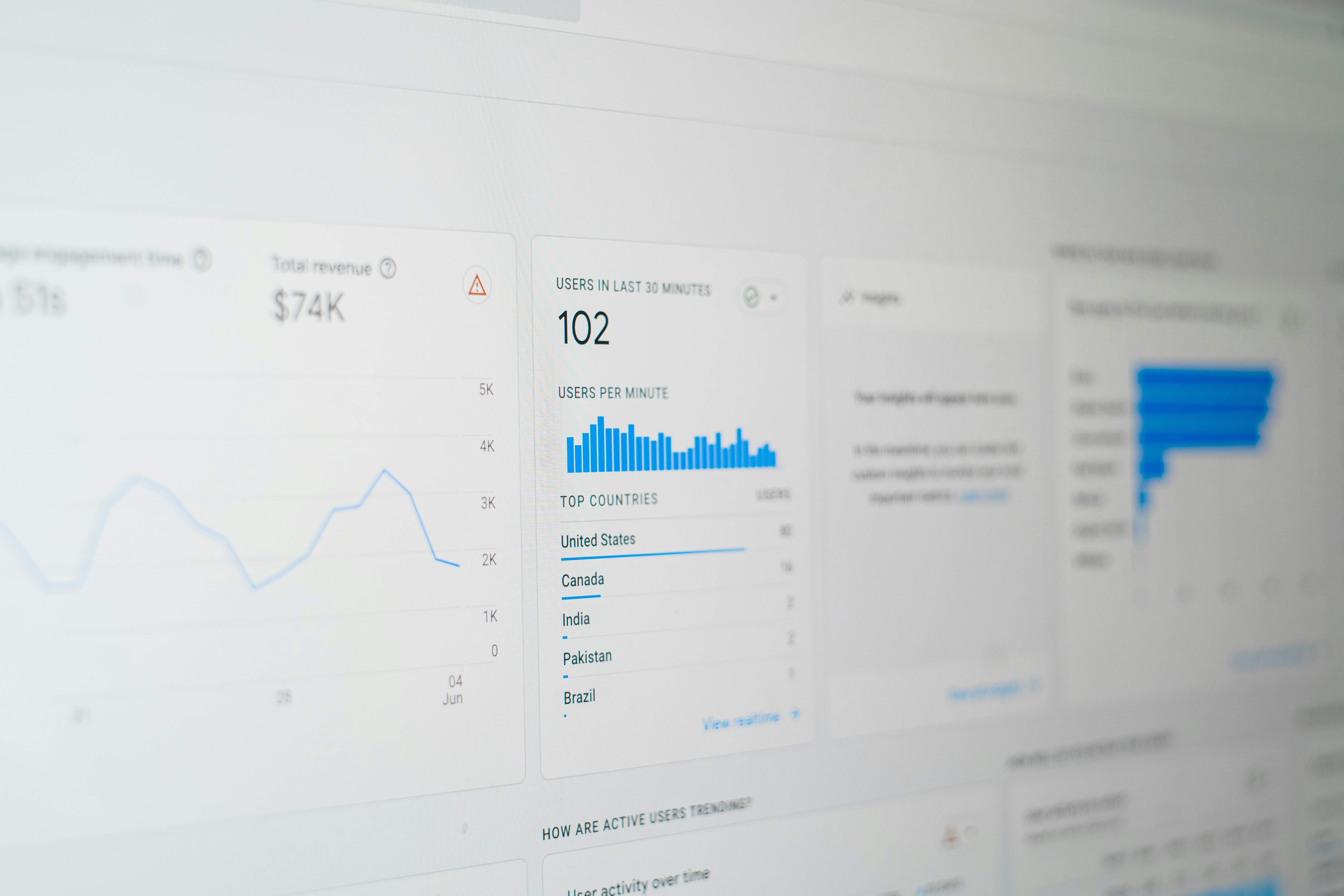
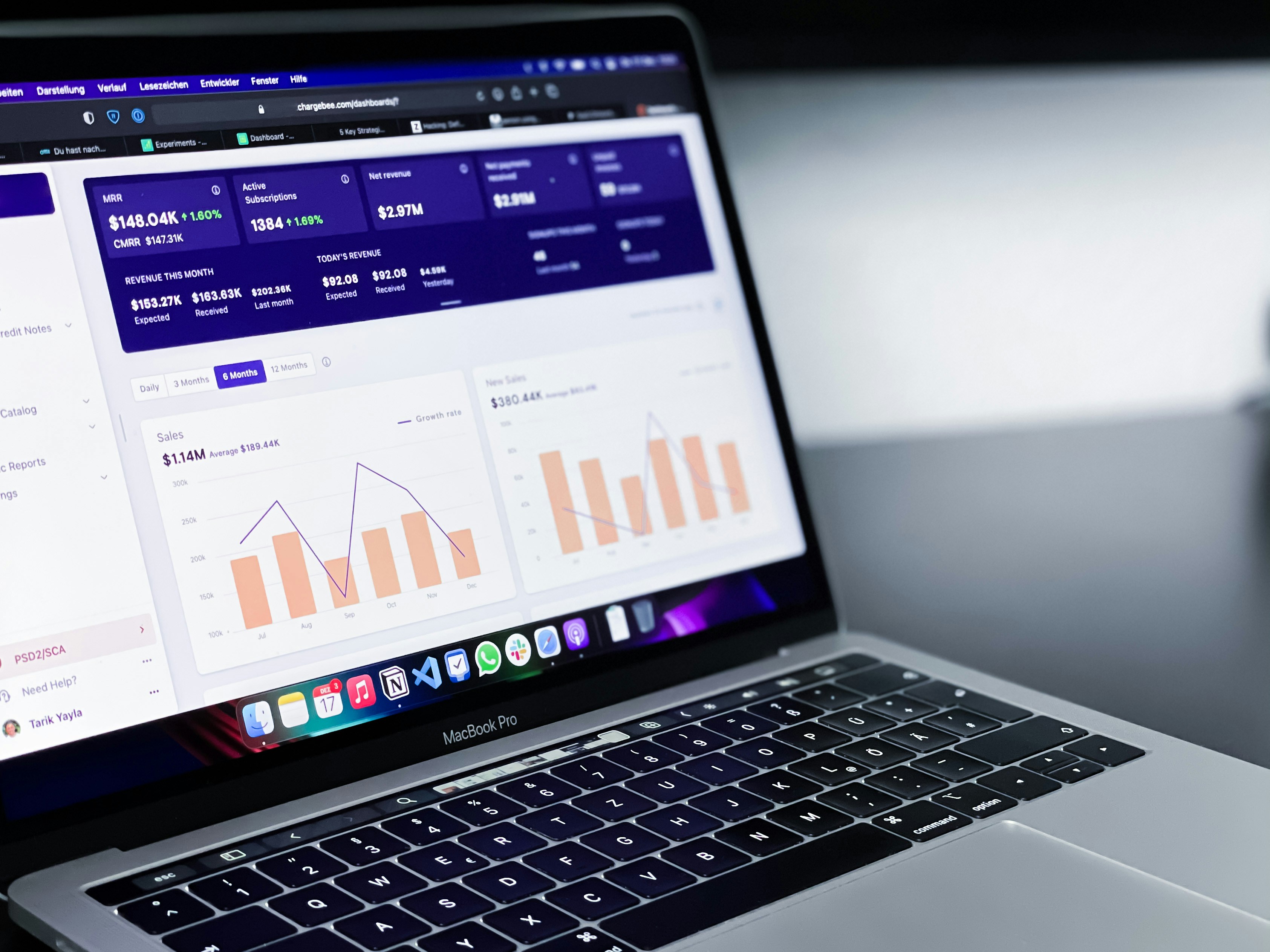
Looker Studio, a robust data visualization and analytics platform, is designed to transform raw data into insightful and actionable information. As a vital tool in the realm of digital marketing, Looker Studio enables marketers to create customized reports and visualizations, thereby enhancing the understanding of complex datasets. Its significance in digital marketing cannot be overstated, as it allows businesses to comprehensively analyze advertising performance across various channels, including social media platforms like Facebook and Instagram.
One of the primary features of Looker Studio is its ability to connect with a multitude of data sources, ranging from internal databases to cloud services. This connectivity empowers marketers to aggregate and visualize data effortlessly, enabling a streamlined analysis process. Additionally, Looker Studio facilitates real-time sharing of insights, allowing teams to collaborate effectively. The platform’s user-friendly interface further enhances the ease of navigation, making it accessible even for those without extensive technical expertise.
Moreover, Looker Studio is particularly relevant for marketers aiming to make data-driven decisions. It equips users with the tools to create dynamic dashboards and reports that reflect key performance indicators (KPIs) across advertising campaigns. By leveraging interactive data visualizations, marketers can easily identify trends, track user engagement, and gauge the effectiveness of various ad strategies. The ability to visualize data not only aids in presenting information but also fosters a deeper understanding of customer behaviors and preferences.
In summary, Looker Studio provides an essential framework for digital marketers. By integrating its powerful data visualization capabilities with advertising efforts on platforms such as Facebook and Instagram, marketers can enhance their decision-making processes and ultimately maximize their advertising returns.
The Importance of Facebook and Instagram Ads in Digital Marketing
In the realm of digital marketing, Facebook and Instagram stand out as pivotal advertising platforms that offer extensive reach and audience engagement. With billions of active users worldwide, these platforms provide brands with the significant opportunity to connect with diverse demographic segments. Facebook, known for its expansive user base, attracts individuals across various age groups, while Instagram, with its visually oriented content, predominantly appeals to younger audiences. This broad spectrum of users enables businesses to tailor their advertising strategies effectively, maximizing their outreach.
The impact of advertising on Facebook and Instagram can be profound, not only in terms of brand visibility but also in driving sales. These platforms facilitate targeted advertising, allowing brands to specify their audience based on interests, behaviors, and other criteria. This capability ensures that marketing efforts resonate with those most likely to convert, thereby enhancing the efficiency of advertising expenditures. Additionally, the integration of interactive content, such as stories, reels, and carousel ads, fosters higher engagement rates and keeps users interested in the brand.
Moreover, the synergy between Facebook and Instagram allows for a cohesive marketing strategy. Brands that engage users on both platforms can enhance their visibility and create a more consistent brand experience. Integrating these advertising efforts with Looker Studio further amplifies the benefits. With Looker Studio, marketers can consolidate data, analyze campaign performance in real-time, and derive actionable insights. This integration enables businesses to optimize their advertising strategies, adjusting their efforts based on performance metrics to achieve better returns on investment. By leveraging the full capabilities of Facebook and Instagram through analytic tools like Looker Studio, businesses can not only increase their reach but also significantly enhance their marketing effectiveness.
Setting Up Looker Studio for Facebook and Instagram Ads
Integrating Looker Studio with your Facebook and Instagram Ads is essential for optimizing your advertising returns. By following a systematic approach, you can set up Looker Studio to effectively pull and visualize data from your ad campaigns. Here is a step-by-step guide to assist you through the setup process.
Step 1: Create a Looker Studio Account
If you haven’t already, create an account on Looker Studio. Visit the official website and sign up using your Google account. This will allow you to access all the features necessary for data integration.
Step 2: Connect to Facebook Ads
1. In Looker Studio, click on the ‘Create’ button, then select ‘Data Source’.
2. Search for ‘Facebook Ads’ from the list of available connectors.
3. You will need to authorize Looker Studio to access your Facebook Ads data. Ensure you have the necessary permissions to grant access. This includes managing ads and viewing insights.
Step 3: Connect to Instagram Ads
The process for Instagram Ads follows a similar method since it integrates with Facebook’s ad management platform. In your data source settings, repeat the connection steps for Instagram Ads, ensuring the correct permissions are enabled.
Step 4: Configure Your Data Sources
After connecting to Facebook and Instagram Ads, you will be prompted to select the specific data fields you wish to import. Choose dimensions such as campaign name, impressions, clicks, and conversion metrics. This will tailor your dashboard to reflect metrics critical for your analysis.
Troubleshooting Tips
If you encounter any issues during setup, consider the following troubleshooting steps:
– Verify that your Facebook App has the correct permissions and is active.
– Make sure your ad accounts are linked to the Facebook Business Manager.
– If data fails to load, try refreshing the connection or reauthorizing access.
After completing these steps, you are well on your way to creating insightful dashboards that showcase the effectiveness of your advertising efforts on both platforms.
Data Sources and Integration Techniques
Looker Studio, known for its robust analytics capabilities, offers a variety of data sources that can be harnessed when working with Facebook and Instagram Ads. These platforms generate substantial amounts of data, making it crucial to identify the best methods to collect and analyze this information effectively. Users can connect to multiple data sources to gain deeper insights into their advertising performance. Some common data sources include Google Analytics, Google Ads, and direct connections to Facebook Ads accounts.
Integrating these data sources into Looker Studio can be achieved through several techniques. One predominant method is leveraging Google Sheets as an intermediary. By exporting data from Facebook and Instagram Ads to Google Sheets, users can easily update their datasets and visualize the resulting information within Looker Studio. This approach not only streamlines data management but also allows users to utilize familiar tools for data manipulation before visualizing trends.
Alternatively, for users requiring a more automated solution, utilizing APIs to connect Facebook and Instagram directly to Looker Studio is advisable. With the Facebook Marketing API, users can extract detailed information on ad performance, engagement metrics, and campaign reach. This connection enables real-time data updates, ensuring that the reporting reflects the most current advertising outcomes. Setting up API connections may require technical proficiency, but the effort results in a seamless integration capable of providing comprehensive insights.
To optimize the use of Looker Studio with Facebook and Instagram Ads, it is essential to continually explore and adopt the most effective data integration techniques. Properly implemented, these techniques will significantly enhance the depth of analysis and understanding of advertising performance, ultimately maximizing returns on investment.
Creating Meaningful Reports from Ad Data
Leveraging Looker Studio for crafting insightful reports from Facebook and Instagram ad data is essential for advertisers aiming to maximize their advertising returns. These reports should efficiently reflect performance metrics, empowering marketers to make informed decisions. The first step in this process involves identifying and selecting the right Key Performance Indicators (KPIs) that align with your advertising objectives. KPIs such as Return on Ad Spend (ROAS), Impressions, Click-Through Rate (CTR), and Conversion Rate serve as a foundation for measuring ad performance and can provide clarity on campaign effectiveness.
Visualization plays a critical role in the efficacy of reports. Utilizing charts, graphs, and dashboards in Looker Studio enhances the visibility of key metrics, allowing stakeholders to quickly grasp trends and insights. For example, a line graph depicting ROAS over time can illustrate how changes in strategy impact revenue, while a pie chart can effectively show the distribution of ad spend across different demographics. The choice of visualization should complement the narrative being conveyed, making complex data more accessible.
Moreover, integrating a comprehensive narrative within your reports is imperative. This involves not only presenting the data but also providing context and commentary that explains the numbers. By analyzing what the KPIs reflect about consumer behavior and campaign performance, advertisers can derive actionable insights which inform future marketing strategies. A well-crafted report will not only highlight successes but also identify areas for improvement.
In conclusion, creating meaningful reports using Looker Studio requires a thoughtful selection of KPIs, appropriate visualizations, and insightful narratives that collectively enhance understanding and facilitate data-driven decision making. By focusing on these elements, businesses can maximize the returns from their Facebook and Instagram advertising efforts.
Analyzing Ad Performance: Metrics & KPIs
In the realm of digital advertising, particularly on platforms such as Facebook and Instagram, understanding and analyzing ad performance is crucial for achieving optimal return on investment (ROI). Advertisers must focus on specific metrics and key performance indicators (KPIs) to gauge the effectiveness of their campaigns. Essential metrics include Reach, Impressions, Click-Through Rate (CTR), Conversion Rate, and Engagement Rate.
Reach measures the total number of unique users who have seen the ad, providing insights into the campaign’s visibility. Impressions, on the other hand, indicate how many times the ad was displayed, serving as a reflection of its accessibility. CTR is significant as it highlights the percentage of users who clicked on the ad after viewing it, showcasing the ad’s appeal. Conversion Rate is another vital metric, representing the percentage of users who completed the desired action after clicking the ad, such as making a purchase or signing up for a newsletter. Finally, Engagement Rate encompasses interactions with the ad, including likes, shares, and comments, which are indicative of audience interest.
To effectively analyze these metrics, advertisers can leverage Looker Studio, a powerful tool for visualizing data and trends. Looker Studio can integrate data from Facebook and Instagram Ads, allowing marketers to create comprehensive reports that illustrate growth and engagement trends over time. By using customizable dashboards, advertisers can track their KPIs in real-time, making it easier to identify patterns and adjust strategies accordingly. The ability to visualize data helps in interpreting complex information, enabling better decision-making and optimizing advertising efforts. Thus, utilizing Looker Studio not only enhances the understanding of ad performance but also maximizes the potential for achieving advertising goals on social media platforms.
Using Insights to Optimize Ad Campaigns
The integration of Looker Studio with Facebook and Instagram Ads provides a powerful framework for enhancing advertising strategies. By analyzing the insights generated from Looker Studio, advertisers can gain a comprehensive understanding of campaign performance, enabling the identification of trends and areas for improvement. One of the first steps in optimizing ad campaigns involves examining the data collected on audience engagement, impressions, and click-through rates. These metrics not only indicate how well the ads are performing but also reveal which demographics are responding positively.
Armed with this information, advertisers can implement targeted adjustments to their campaigns. For instance, if the data indicates a higher engagement rate among a specific age group or geographic location, reallocating budget resources to concentrate efforts on these segments can yield better results. Budget adjustments should be based on a thorough analysis of cost per acquisition (CPA) and return on ad spend (ROAS) metrics derived from Looker Studio insights. Lowering the budget on poorly performing ads while increasing funding on high-performers can effectively optimize spending.
Another critical strategy is refining targeting settings. Looker Studio enables advertisers to segment their audience based on behavior, interests, and demographics, allowing for a tailored approach to ad delivery. By creating customized targeting configurations that align with the insights gathered, marketers can reach users who are more likely to convert, thereby improving overall campaign effectiveness.
Moreover, continuous monitoring and real-time adjustments based on Looker Studio analyses are imperative for success. The landscape of digital advertising is dynamic; hence, leveraging insights regularly ensures that campaigns remain relevant and efficient. Through diligent application of data-driven decision-making, advertisers can systematically enhance their approach, maximizing returns on investments.
Case Studies: Successful Integration Examples
Integrating Looker Studio with Facebook and Instagram Ads offers businesses powerful insights and enhanced advertising strategies. Several organizations have successfully utilized this integration, overcoming challenges and achieving significant results. One notable example is a retail company that struggled with understanding customer behavior across various platforms. By implementing Looker Studio to visualize their data from Facebook Ads, they identified key trends in user engagement and conversion rates. This integration allowed for real-time adjustments to their advertising strategies, resulting in a 30% increase in return on ad spend (ROAS) within three months.
Another case involves a small e-commerce business that faced difficulties in attributing sales to specific marketing channels. The company leveraged Looker Studio to consolidate data from Instagram Ads, enabling them to analyze campaign performance more comprehensively. By creating customized dashboards, they could track metrics such as click-through rates and customer acquisition costs effectively. In just two quarters, they reported a 50% enhancement in customer conversion due to more informed decision-making around their ad spend.
Additionally, a SaaS company utilized Looker Studio to address their challenge of fragmented data analysis. By integrating their advertising efforts on Facebook with Looker Studio, they streamlined their data processes and gained clarity on their ad performance. The insights derived allowed them to optimize their budget allocation across platforms, increasing their monthly leads by 40%. These examples demonstrate that, despite initial challenges, the integration of Looker Studio with Facebook and Instagram Ads can lead to actionable insights and improved advertising returns, supporting businesses in making data-driven decisions.
Conclusion and Future Implications for Marketers
As digital marketing continues to evolve, integrating advanced tools is crucial for marketers aiming to maximize their advertising returns. Throughout this discussion, we explored how Looker Studio can significantly enhance the performance of Facebook and Instagram Ads. By leveraging Looker Studio’s capabilities, marketers can gain deeper insights into their campaigns, allowing for data-driven decision-making that enhances overall effectiveness.
The seamless integration between Looker Studio and social media platforms fosters a clearer understanding of audience behavior and engagement metrics. This enables marketers to fine-tune their advertising strategies, allocate budgets more efficiently, and ultimately improve return on investment (ROI). In an increasingly competitive landscape, such analytical prowess provides a substantial advantage for businesses looking to optimize their digital marketing efforts.
Looking ahead, the implications of utilizing Looker Studio with social media advertising are profound. As the demand for personalized marketing grows, the ability to analyze and visualize data in real-time will become a cornerstone of successful campaigns. Marketers will likely focus more on utilizing predictive analytics within Looker Studio to foresee trends and tailor advertisements accordingly.
Furthermore, as algorithmic changes occur on platforms like Facebook and Instagram, integrating these platforms with robust data visualization tools will help marketers adapt quickly. The future may also see enhanced capabilities within Looker Studio itself, with potential features aimed at simplifying the complexities of digital ad management and performance tracking.
In summary, the strategic integration of Looker Studio with Facebook and Instagram Ads presents numerous opportunities for marketers. By embracing these tools and techniques, businesses can not only improve their effectiveness in reaching their target audiences but also position themselves ahead of the curve in the rapidly changing world of digital marketing.