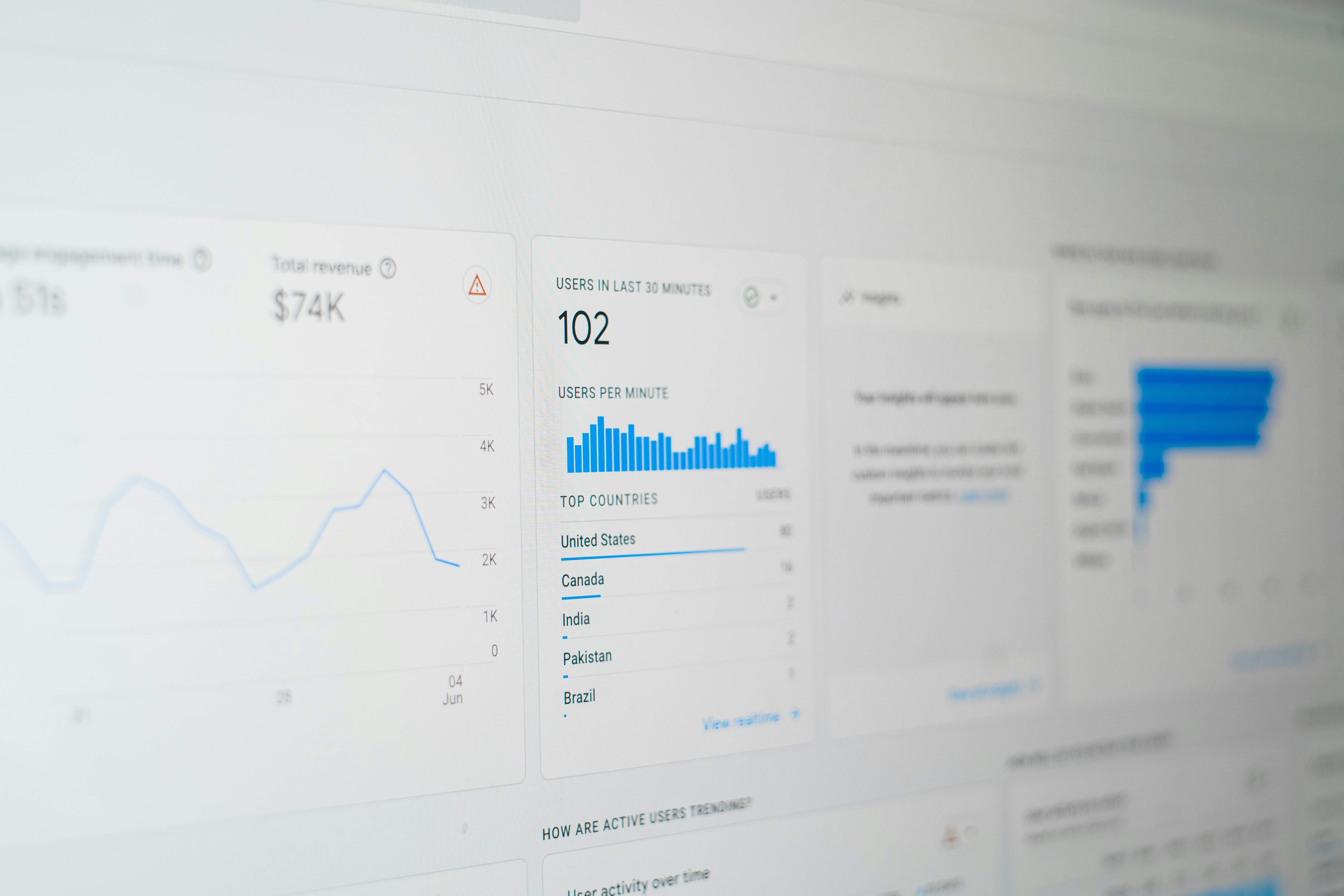
Introduction to Looker Studio and AdRoll
In the evolving landscape of digital marketing, understanding the tools at your disposal is essential to optimizing advertising potential. Two prominent platforms in this domain are Looker Studio and AdRoll. Looker Studio serves as a powerful reporting and data visualization tool that enables marketers to interpret complex data sets. By transforming raw data into easily digestible visual formats, Looker Studio facilitates informed decision-making. This enables businesses to track performance metrics, identify trends, and make actionable insights that can influence marketing strategies effectively. The platform supports real-time data integration from various sources, ensuring that users have access to the most current information to guide their advertising efforts.
On the other hand, AdRoll specializes in retargeting, allowing businesses to enhance their advertising performance significantly. Retargeting involves displaying ads to users who have previously engaged with a brand, thereby reinforcing brand awareness and encouraging conversions. AdRoll provides a suite of tools designed to facilitate personalized advertising campaigns tailored to specific audience segments. By leveraging data and insights, AdRoll optimizes ad placements and bidding strategies, ensuring that ads reach the right consumers at the right time. This targeted approach not only boosts the effectiveness of advertising but also maximizes return on investment.
Combining Looker Studio and AdRoll creates a synergy that empowers marketers to not just visualize their advertising efforts but also to refine and enhance them. By utilizing Looker Studio’s robust reporting capabilities alongside AdRoll’s effective retargeting methods, businesses can unlock the full potential of their digital marketing strategies, paving the way for increased engagement and conversions. Together, these tools provide a comprehensive framework for analyzing and improving digital advertising initiatives.
The Importance of Data in Advertising
In the contemporary advertising landscape, the role of data cannot be overstated. As businesses strive to capture audience attention in an increasingly competitive environment, data-driven decision-making has become an essential component of effective marketing strategies. By utilizing analytics and metrics, companies can gain profound insights into customer behavior, preferences, and trends, enabling them to optimize their advertising efforts.
Data serves as a foundation for understanding the target audience’s needs and interests. Advertising campaigns based on thorough data analysis allow marketers to segment their audience and tailor their messaging accordingly. For example, demographic data can help identify specific consumer groups, guiding advertisers toward creating personalized content that resonates on a deeper emotional level. This personalization not only enhances user engagement but significantly improves the chances of converting potential leads into loyal customers.
Moreover, leveraging analytics can directly impact return on investment (ROI). By continuously monitoring campaign performance through data insights, businesses can identify which strategies yield the best results. This understanding enables advertisers to allocate budgets more effectively, focusing on high-performing channels while minimizing expenditure on less effective efforts. The outcome is a more cost-efficient marketing approach and improved ROI.
Additionally, staying attuned to data trends enhances a company’s ability to adapt to changing market conditions. The advertising landscape is fluid, and what works today may not be as effective tomorrow. Utilizing real-time data analytics provides businesses with the agility to pivot their strategies swiftly, ensuring they remain relevant and competitive. In essence, the successful integration of data into advertising not only sharpens marketing tactics but also cultivates a deeper understanding of the consumer journey, further solidifying the importance of being data-driven in today’s advertising.
Setting Up Looker Studio for AdRoll Reporting
To effectively utilize Looker Studio for AdRoll reporting, a structured setup process is essential. The first step involves ensuring that you have the necessary access to both Looker Studio and your AdRoll account. This requires verified credentials for each platform. Once you have logged into Looker Studio, you will need to familiarize yourself with its dashboard and reporting features. Looker Studio serves as a powerful tool for visualizing data, making it critical to understand its interface for optimal use.
Next, you should set up the integration between Looker Studio and AdRoll. To achieve this, you must utilize the AdRoll API, which facilitates the flow of data between both platforms. If you do not have an API key, you can generate one from your AdRoll account settings. This key is crucial as it will serve as the authentication mechanism, allowing Looker Studio to pull data seamlessly from AdRoll.
After obtaining the API key, navigate back to Looker Studio. Begin by selecting the ‘Create’ option on the dashboard, followed by ‘Data Source.’ Here, you will be prompted to choose the data connector for AdRoll. Input your API key and other requested details to establish the connection. Upon successful authentication, you will be able to access various AdRoll metrics, enabling you to design insightful reports that cater to your advertising needs.
Finally, it is beneficial to familiarize yourself with the different types of reports you can create. Looker Studio allows for customization of views, enabling you to visualize data trends and key performance indicators efficiently. By leveraging the integration between AdRoll and Looker Studio, advertisers can enhance their reporting practices, thereby maximizing their advertising potential. Regularly review and adjust your reports to ensure they remain aligned with your campaign objectives and target metrics.
Creating Custom Reports in Looker Studio
Creating custom reports in Looker Studio can greatly enhance your ability to analyze AdRoll data effectively. The first step in this process involves connecting your AdRoll account to Looker Studio, allowing for seamless data integration. Once the connection is established, users can start crafting tailored reports that emphasize the metrics most relevant to their advertising objectives. The versatility of Looker Studio permits users to select from a variety of visualization options such as tables, charts, and graphs, making it easier to depict data trends and performance at a glance.
When designing a report, it is crucial to determine the key performance indicators (KPIs) that reflect your campaigns’ success. Important metrics to include might encompass impressions, clicks, conversion rates, and return on ad spend (ROAS). By focusing on these metrics, you can derive actionable insights to improve your advertising strategy further. Additionally, Looker Studio allows for the customization of filters and date ranges, enabling users to concentrate on particular periods or specific audience segments that have shown varying levels of engagement.
Moreover, effective report design should prioritize clarity and usability. Utilizing descriptive titles, clear legends, and concise data labels can help ensure your audience easily interprets the insights presented. By employing conditional formatting, one can highlight critical performance metrics that may require immediate attention, thereby enhancing the overall effectiveness of your reports. It is also advisable to regularly update and refine your custom reports to reflect changes in campaign goals and performance trends, ensuring that the information remains relevant and actionable.
In conclusion, designing custom reports in Looker Studio can significantly elevate your understanding of AdRoll data. By incorporating essential metrics, varied visualizations, and user-centered design principles, you can create insightful reports that drive informed decision-making in your advertising efforts.
Analyzing Ad Performance Through Reporting
In the increasingly competitive landscape of digital advertising, analyzing ad performance is crucial for marketers seeking to maximize their advertising potential. Looker Studio offers robust reporting features that provide insights into key performance indicators (KPIs), enabling businesses to make data-driven decisions. KPIs such as click-through rate (CTR), conversion rate, return on ad spend (ROAS), and cost per acquisition (CPA) are vital metrics to monitor as they reflect the effectiveness of advertising campaigns.
Understanding the trends within these metrics is essential for assessing the overall performance of ads. For example, a declining CTR may indicate that the ad creative is not resonating with the target audience or that the targeting parameters need adjustment. Conversely, a rising conversion rate can signal that the ad content is compelling and driving user engagement effectively. Analyzing patterns over time allows marketers to adapt their strategies proactively, ensuring optimal performance.
Another valuable aspect of Looker Studio’s reporting capabilities is its ability to visualize data trends in a user-friendly manner. By utilizing various chart types and visual representations, marketers can quickly identify anomalies, seasonal trends, or shifts in user behavior. This visual analysis facilitates deeper understanding and enables marketers to communicate findings effectively with their teams and stakeholders.
Based on the insights gleaned from the reports, actionable steps can be taken to enhance ad performance. For instance, if a specific ad format yields a higher ROAS, prioritizing similar formats may be beneficial. Additionally, if data shows that certain times of the day result in peak conversions, adjusting the ad schedule accordingly can help leverage these insights. Ultimately, regular analysis of ad performance using Looker Studio not only informs marketing strategies but also drives continuous improvement, ensuring long-term success in a dynamic advertising ecosystem.
Best Practices for Using Looker Studio with AdRoll
Integrating Looker Studio with AdRoll can significantly enhance your advertising analytics and decision-making processes. To maximize the potential of this powerful combination, it is important to adhere to certain best practices. These practices primarily revolve around maintaining data accuracy, regular updates, and promoting collaboration within teams.
Firstly, ensuring data accuracy is paramount. When setting up your Looker Studio dashboards, it is crucial to regularly verify the data sourced from AdRoll. Data discrepancies can lead to misinformed decisions, hence employing robust data validation methods is advisable. This can include setting up alerts for sudden changes in metrics or conducting weekly data audits. Additionally, ensuring that the data pulled reflects the latest campaigns allows stakeholders to make timely adjustments to their marketing strategies.
Another key best practice involves committing to regular report updates. Looker Studio allows for dynamic reporting capabilities, enabling teams to view real-time analytics. Establishing a routine—monthly or bi-weekly, for instance—to review and refresh these reports can provide deeper insights into advertising performance. This frequency facilitates the identification of trends and anomalies, offering a competitive edge in campaign optimization.
Moreover, fostering collaborative workflows enhances team efficiency when handling advertising data. Encourage team members to share insights and feedback on the dashboards created within Looker Studio. Utilizing project management tools alongside Looker Studio can streamline communication and ensure everyone is aligned with advertising goals. Implementing role-based access to dashboards can also empower team members to interact with data relevant to their functions, promoting engagement and accountability.
By adopting these best practices, businesses can better leverage Looker Studio in conjunction with AdRoll, driving improved advertising outcomes through informed decision-making.
Leveraging Visualizations for Better Insights
In the realm of digital advertising, making informed decisions is critical for campaigns to succeed. Looker Studio offers a variety of visualization techniques that help advertisers glean deeper insights from their AdRoll campaigns. Effective use of charts, graphs, and interactive dashboards enables users to transform complex data into easily digestible insights, thus enhancing the decision-making process.
Charts are particularly valuable in displaying trends over time, such as tracking ad performance metrics like click-through rates (CTR) or conversion rates. By employing line graphs, advertisers can visualize how these metrics fluctuate across various time periods, allowing for quick identification of successful strategies or periods of stagnation. Similarly, bar charts can be beneficial for comparing different campaigns or ad variants, as they provide a straightforward visual representation of performance differences. This comparative analysis is essential for optimizing future ad spends.
Graphs not only help in illustrating data but also allow for layering multiple dimensions of information. Stacked area charts, for instance, can effectively showcase multiple metrics, such as total impressions alongside clicks, giving a comprehensive view of how ad spend translates into user engagement. This multi-layer analysis aids in identifying correlations and causations that might not be immediately apparent through raw data examination.
Moreover, dashboards within Looker Studio serve as powerful tools for real-time monitoring of AdRoll campaigns. By consolidating key performance indicators (KPIs) into a single interface, users can track performance at a glance and make informed adjustments as needed. Customizable dashboards also enable a tailored experience that caters to specific business needs and goals, reinforcing the importance of context in data interpretation.
In conclusion, harnessing the visualization capabilities within Looker Studio can significantly enhance the insights derived from AdRoll campaigns. By leveraging various charts, graphs, and dashboards, advertisers can simplify complex data, identify trends, and make data-driven decisions to optimize their advertising potential effectively.
Troubleshooting Common Issues
As users navigate the integration of Looker Studio with AdRoll, they may encounter various challenges that could hinder their advertising effectiveness. It is crucial to address common issues to ensure smooth operation and accurate reporting. One prevalent concern is data connectivity problems. Users often experience difficulty in establishing a stable connection between Looker Studio and AdRoll, which can result in incomplete datasets or failed updates. To resolve these issues, ensure that all API keys and access permissions are correctly configured. Regularly checking the status of both Looker Studio and AdRoll systems can also help pinpoint connectivity disruptions.
Compatibility issues can arise when attempting to work with different dataset formats or outdated versions of either platform. It is advisable to keep both Looker Studio and AdRoll updated to the latest versions, as updates often include fixes for known compatibility issues. Additionally, understanding the required data formats for successful integration can help alleviate these hurdles. If users notice discrepancies in the reporting of data, this could stem from timing mismatches between when data is collected and when it is displayed. Double-checking the reporting settings within AdRoll could clarify whether the data aligns accurately with the desired date ranges.
For those who continue to face persistent challenges, a wealth of resources is available to provide further assistance. Both Looker Studio and AdRoll offer comprehensive support documentation, forums, and community resources where users can exchange insights and solutions. Finally, reaching out to customer support services can expedite troubleshooting processes, as professionals are equipped to tackle complex issues that standard resources may not address. By promptly identifying and resolving common problems, users can maximize the synergy between Looker Studio and AdRoll, ultimately enhancing their overall advertising potential.
Contacting Support for Help
When utilizing Looker Studio and AdRoll for digital advertising purposes, users may encounter challenges or require additional guidance. Fortunately, both platforms offer various support channels to aid users in navigating these tools effectively. By reaching out to these resources, individuals can maximize their advertising potential while minimizing obstacles to success.
First, users can access the official help centers for Looker Studio and AdRoll. These help centers provide extensive documentation, including user guides, FAQs, and tutorials. For Looker Studio, visit their support page to find articles dedicated to common issues and in-depth functionalities. Similarly, AdRoll features a comprehensive resource library where users can find valuable insights into campaign management and optimization strategies.
If users prefer direct assistance, both platforms offer contact forms for inquiries. Looker Studio users can fill out a support form available on their website, specifying their issues to receive tailored assistance from the support team. Likewise, AdRoll also provides a contact form designed for customer inquiries, allowing users to submit detailed information regarding the help they need. This method ensures that user concerns are addressed promptly and efficiently.
Additionally, social media platforms offer another avenue for support. Looker Studio and AdRoll maintain active profiles on various platforms such as Twitter and LinkedIn, where users can engage with support staff or fellow users for quick tips and solutions. It’s recommended to follow these social media accounts to stay updated on the latest news, features, and support initiatives.
In conclusion, reaching out for help regarding Looker Studio and AdRoll can significantly enhance the user experience. By employing the resources available through help centers, contact forms, and social media, users can overcome challenges and unlock the full potential of their advertising strategies.