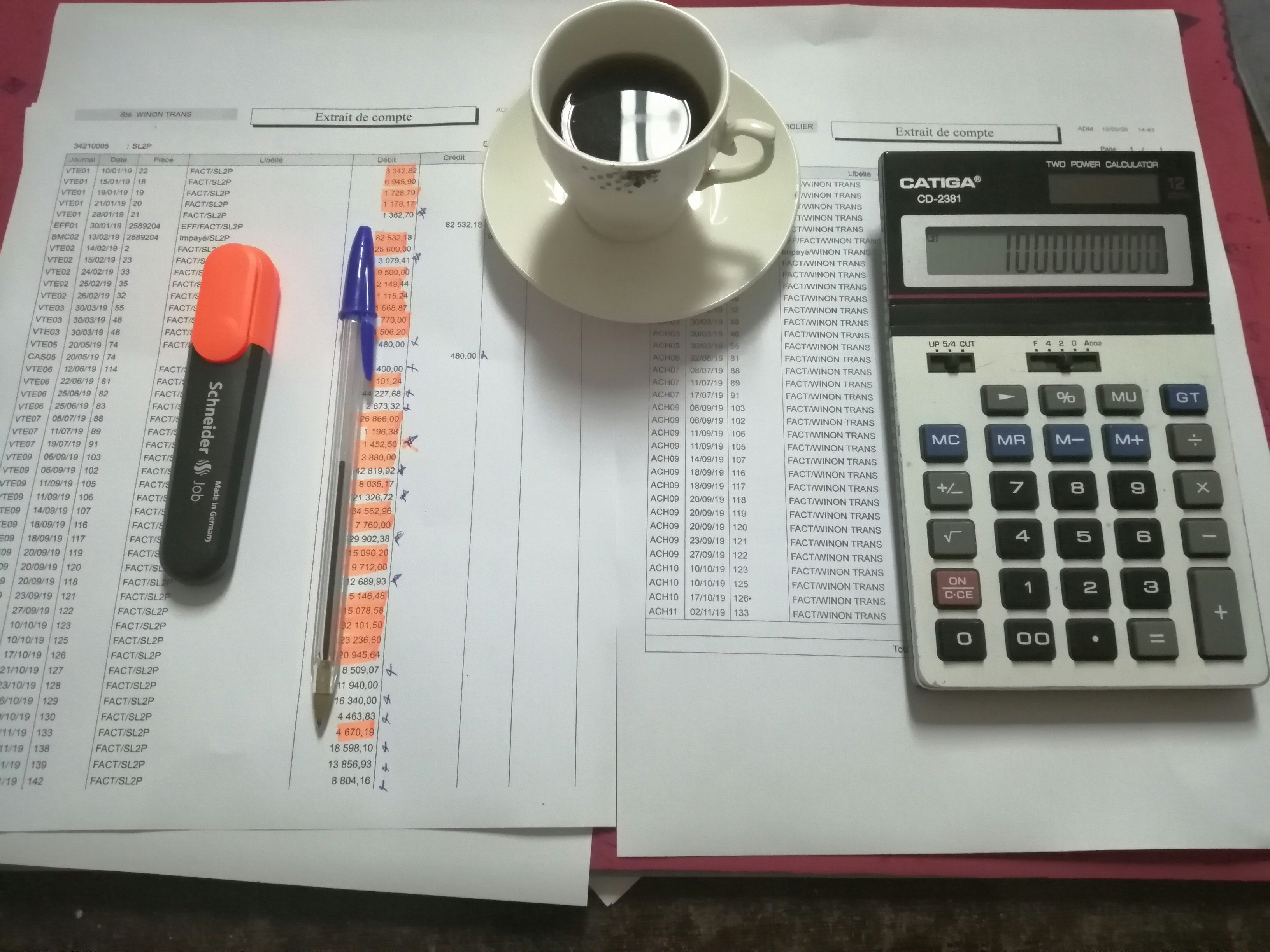
When Meridian Analytics — a fast-growing SaaS startup based in New York City — reached out to Excel Wizard in early 2024, their operations team was in crisis mode. Every Monday morning, two team members spent the entire day copying data between spreadsheets, reformatting reports, and manually sending updates to department heads. By noon, the data was already outdated. By Friday, the process started over.
“We were a 40-person company acting like a 400-person company in terms of reporting overhead,” said their Head of Operations. “We knew there had to be a better way.”
There was. Here’s exactly what we did — and what your business can learn from it.
The Problem: 20+ Hours of Manual Work Every Week
Meridian’s reporting nightmare had four main components:
1. Weekly Revenue Reconciliation
Their finance team was manually copying subscription revenue data from Stripe exports into Excel, matching it against their CRM data, and producing a reconciliation report. The process took 6–8 hours every Monday and was error-prone enough that discrepancies regularly required another 2 hours of detective work.
2. Customer Health Dashboards
Their Customer Success team tracked 200+ accounts using a manually updated Google Sheet. Every Friday afternoon, a CSM would spend 3–4 hours going through each account, updating usage metrics, NPS scores, and renewal dates by hand. The data was always a week stale by the time anyone read it.
3. Sales Pipeline Reports
Their VP of Sales needed a weekly pipeline report that their CRM couldn’t produce in the right format. Someone on the sales ops team was manually exporting data, reformatting it in Excel, adding calculated fields, and emailing it out. Four hours every Friday, like clockwork.
4. Monthly Board Reporting Package
Every month, their CEO spent a full day assembling a board reporting package — pulling metrics from five different sources, formatting them into a slide deck, and manually checking every number. It was the job nobody wanted and the task most likely to have errors.
Total manual hours per week: approximately 22–25 hours. That’s more than half a full-time employee’s time, spent on work that should be automated.
The Solution: A Three-Phase Automation Build
After a discovery call and a thorough audit of their existing spreadsheets, we designed a three-phase solution.
Phase 1: Revenue Reconciliation Automation (Week 1)
We built a Power Query pipeline that automatically pulled and transformed their Stripe export data, matched it against their CRM data using VLOOKUP chains and error-handling formulas, and produced a clean reconciliation report with discrepancies flagged in red. What previously took 6–8 hours now took 15 minutes — just the time to open the file and click “Refresh.”
Phase 2: Live Customer Health Dashboard (Week 2)
We rebuilt their customer health tracking system in Google Sheets with Apps Script automation. The new system automatically pulled usage data from their product API every 24 hours, calculated health scores using a weighted formula, highlighted at-risk accounts, and sent automated Slack notifications when an account’s health score dropped below a threshold.
The CS team went from spending Friday afternoons manually updating data to spending that time actually talking to at-risk customers. A much better use of their time.
Phase 3: Automated Reporting Suite (Week 3)
For the sales pipeline and board reporting, we built a master Excel workbook with VBA macros that consolidated data from multiple sources on demand, applied all the formatting and calculations automatically, and generated the final reports with a single button click. The board reporting package went from a full day’s work to about 20 minutes of review.
The Results: 20 Hours Saved Every Week
Four weeks after the project started, Meridian’s operations team ran the numbers:
- Revenue reconciliation: 7 hours → 15 minutes
- Customer health updates: 4 hours → automated (0 hours)
- Sales pipeline reports: 4 hours → 30 minutes
- Monthly board package: 8 hours → 45 minutes
- Total saved: ~22 hours per week
At a fully-loaded cost of roughly $75/hour for operations headcount, that’s approximately $1,650 in labor saved every single week — or about $85,000 per year. The entire project cost a fraction of that.
“We got back the equivalent of half a headcount without hiring anyone. The ROI was obvious within the first week. Jayant was incredibly responsive and built exactly what we needed.”
— Head of Operations, Meridian Analytics (New York, NY)
Key Lessons Any Business Can Apply
1. Manual Reporting is a Silent Profit Killer
Most businesses dramatically underestimate how much manual spreadsheet work costs them. If someone on your team spends 5 hours a week on a report that could be automated, that’s 250+ hours a year — at whatever their loaded cost per hour is. The math almost always favors automation.
2. Start With Your Most Painful Process
Don’t try to automate everything at once. Identify the task your team dreads most — the one where they zone out for hours — and fix that first. The quick win builds momentum and proves ROI immediately.
3. Good Documentation Makes Automation Sustainable
Every automation we build comes with documentation so your team can maintain it, adjust it, and expand it over time. An automated system you don’t understand is a liability. One you can operate confidently is an asset.
Is Your Business Stuck in the Same Loop?
Meridian Analytics is not unusual. We see this same pattern with companies across the U.S. — from startups in Boston to established enterprises in Chicago. The symptoms are always similar: smart people spending too much time on repetitive, low-value tasks because nobody has ever stopped to automate them properly.
If your team spends more than 3 hours a week on any manual spreadsheet process, there’s a very good chance we can automate it for you — and have it done within 72 hours.
Tell us about your workflow → We’ll give you a free assessment and a fixed-price quote within a few hours.